
스텐실 설정은 약속 마찰을 줄여야 합니다. 프린터, 용지 형식, 배터리, 연결 방법 및 전사 젤은 모두 아티스트가 정시에 시작하는지 또는 약한 스텐실을 고치는 데 10분을 소비하는지 여부에 영향을 미칩니다.
프린터 옵션
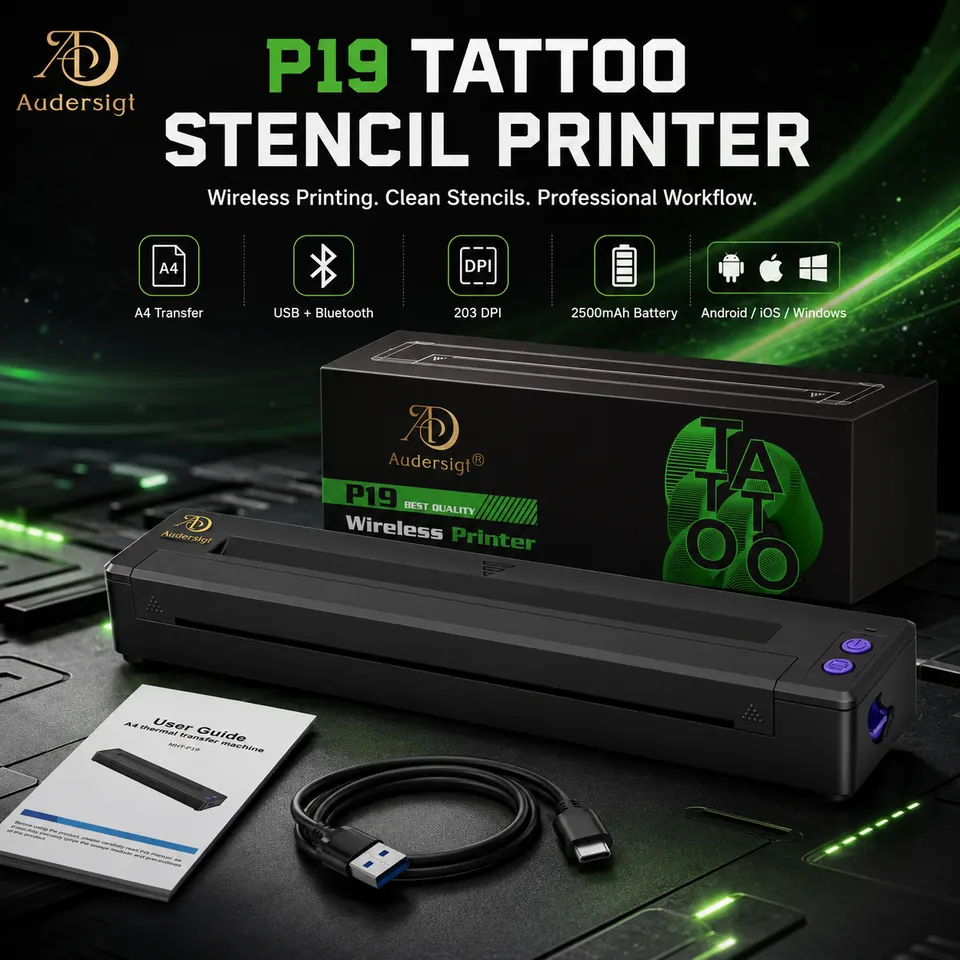
thermal copiers supplies
P19 블루투스 타투 스텐실 프린터
배터리 2500mAh
상품보기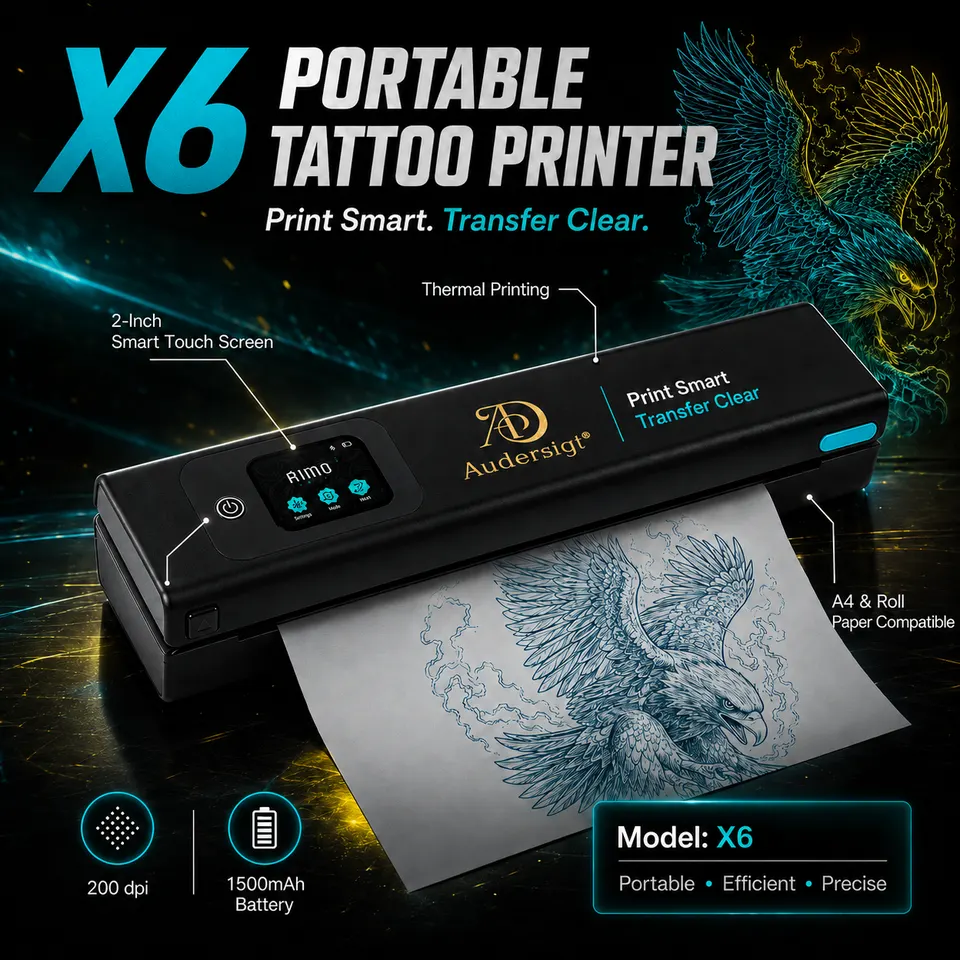
thermal copiers supplies
Audersigt X6 블루투스 열전사 타투 스텐실 프린터
배터리 1500mAh, 무게 0.72kg
상품보기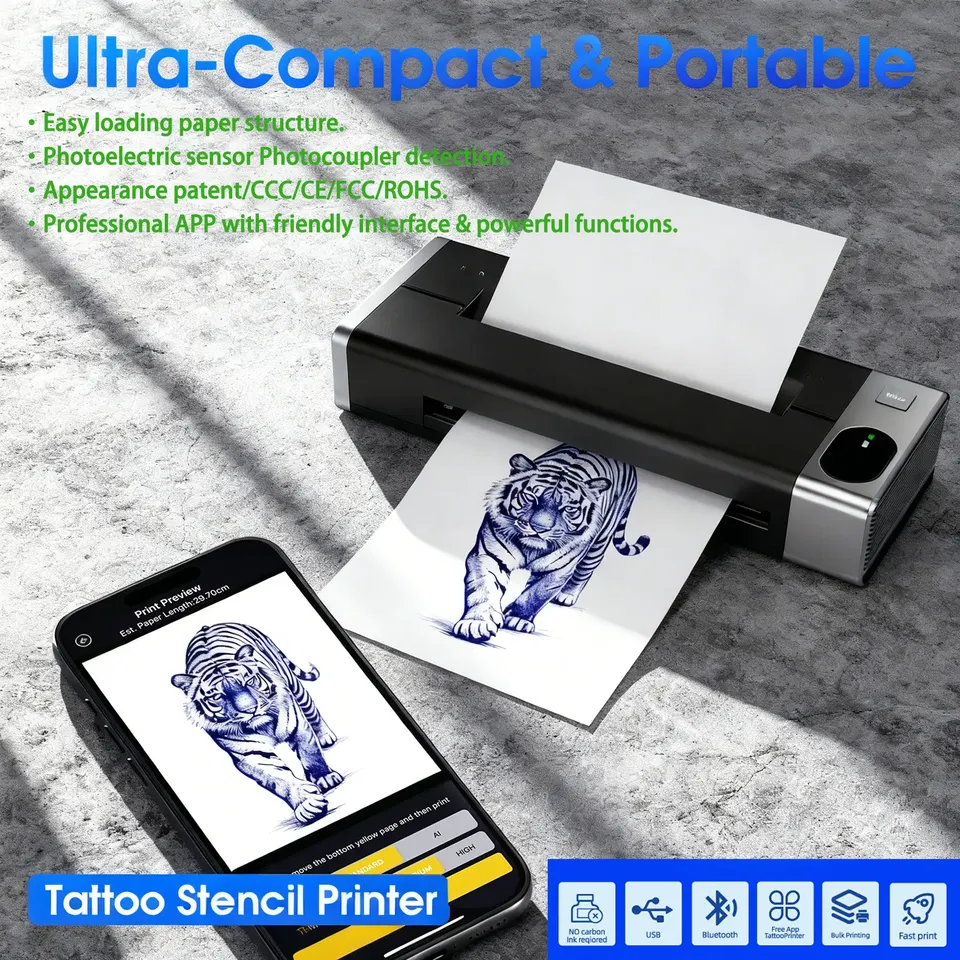
thermal copiers supplies
M6 타투 열전사 스텐실 프린터
배터리 1200mAh
상품보기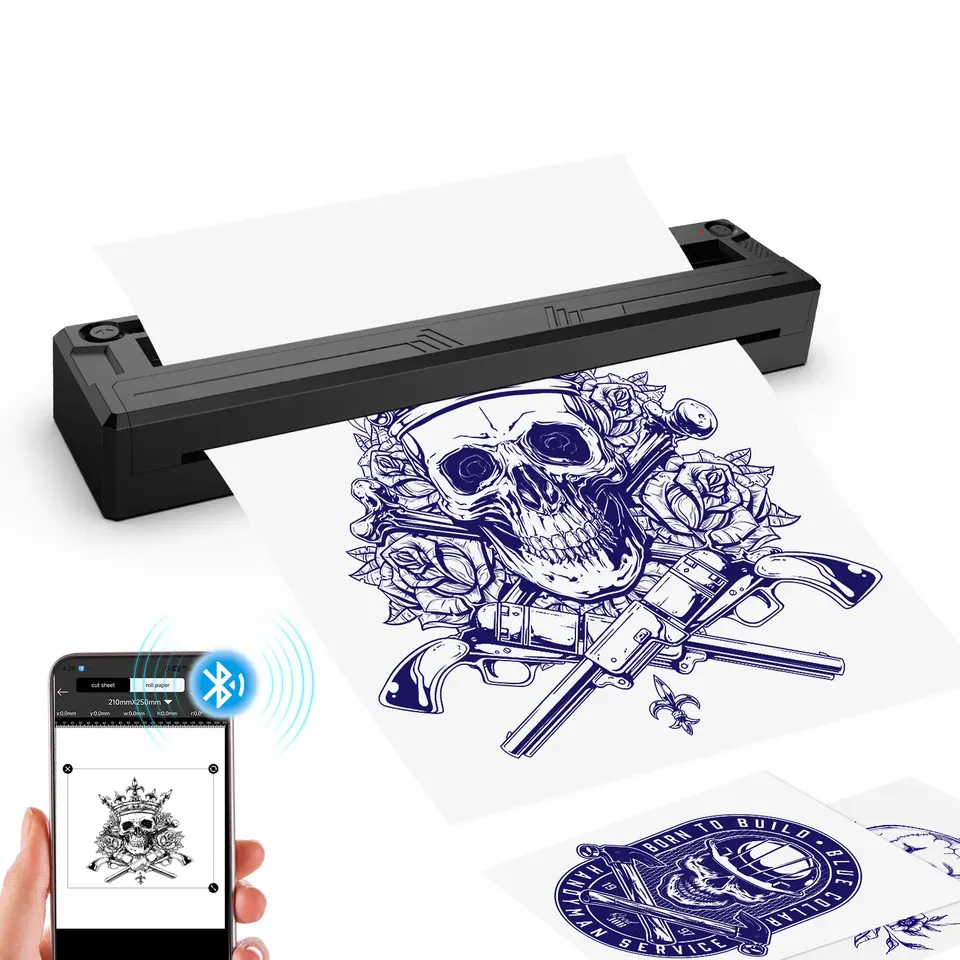
thermal copiers supplies
M8 타투 열전사 스텐실 프린터
배터리 1500mAh
상품보기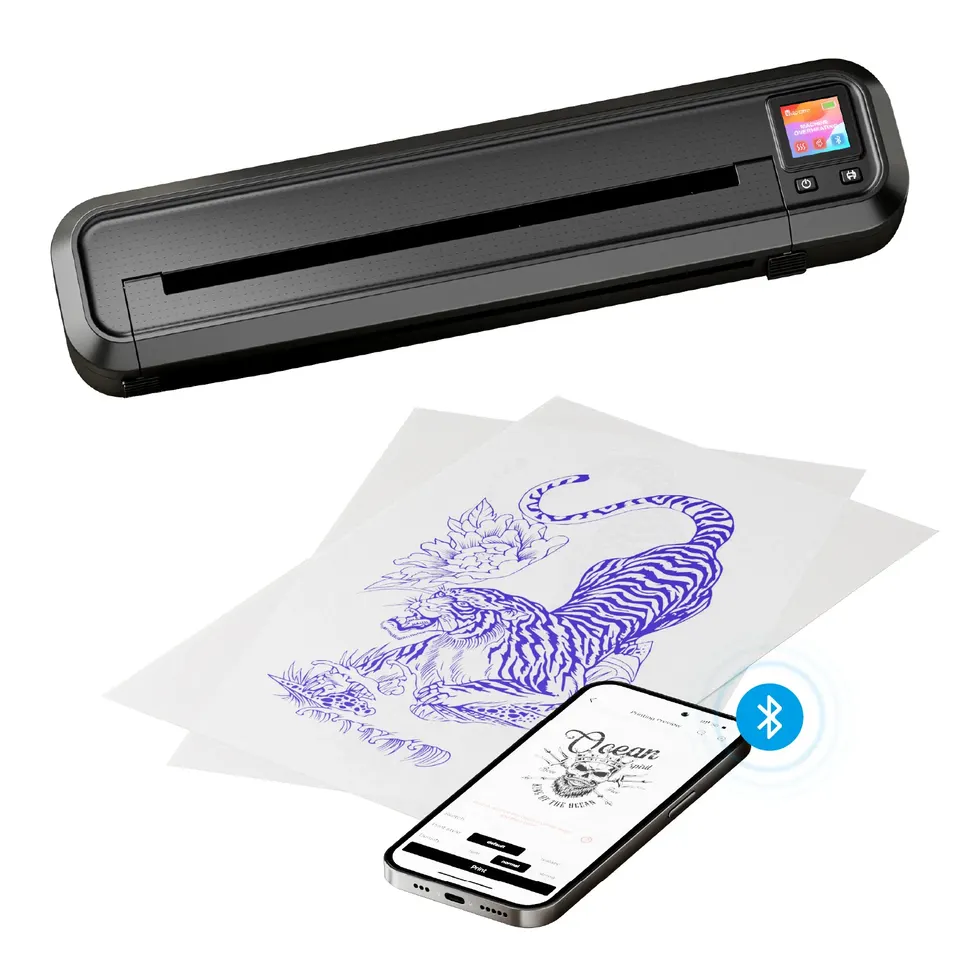
thermal copiers supplies
MHT500 타투 열전사 스텐실 프린터
배터리 2500mAh
상품보기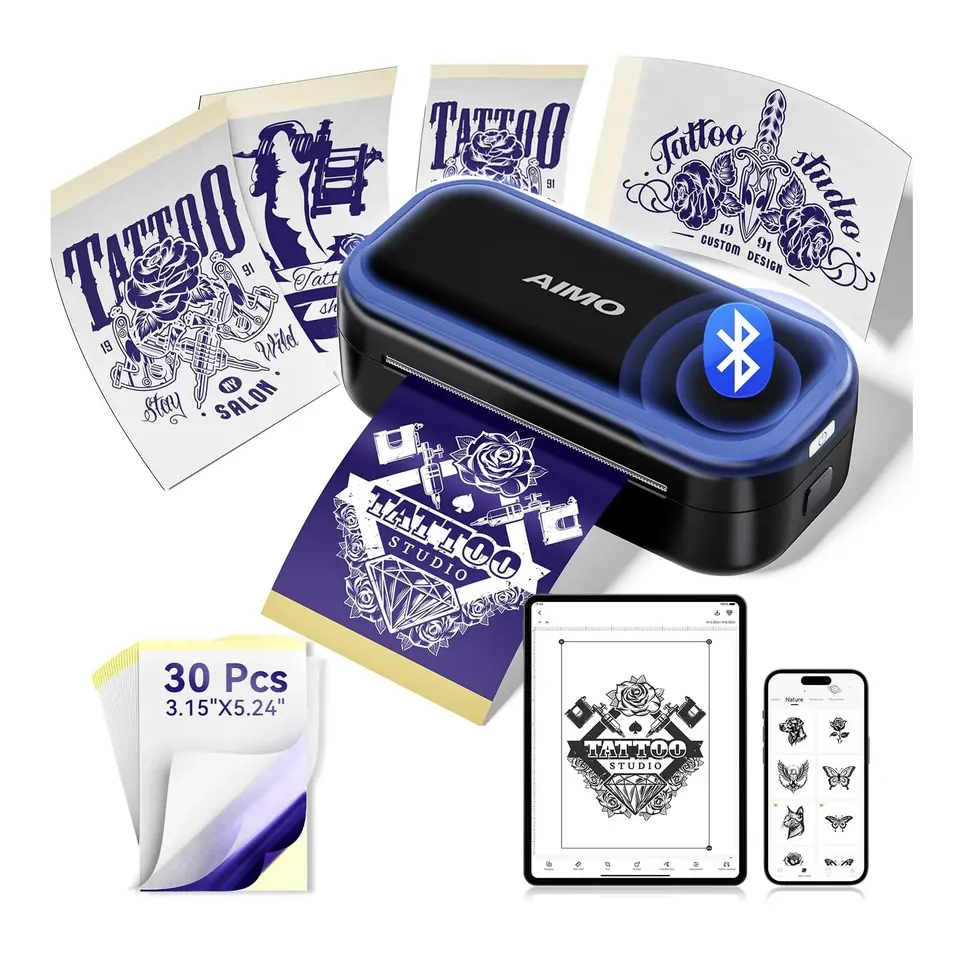
thermal copiers supplies
MR3 타투 열전사 스텐실 프린터
배터리 2200mAh
상품보기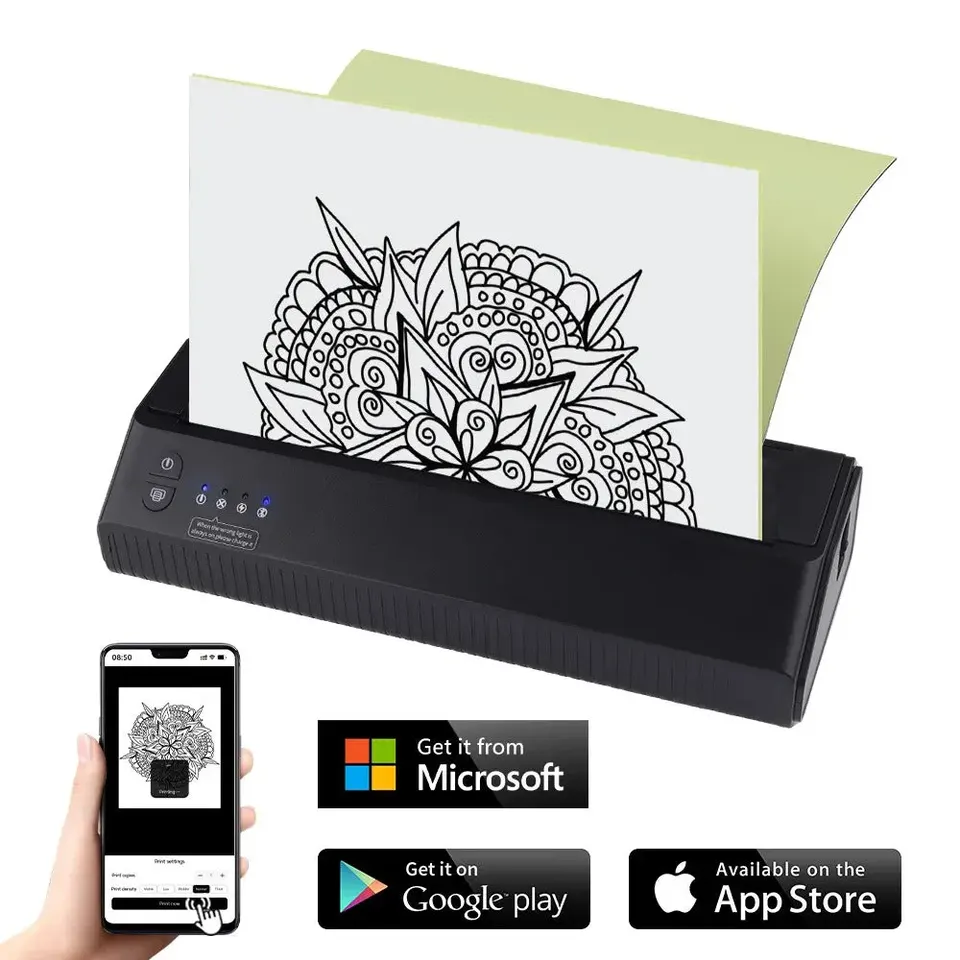
thermal copiers supplies
P8008 미니 휴대용 무선 타투 열전사 스텐실 프린터
배터리 2500mAh
상품보기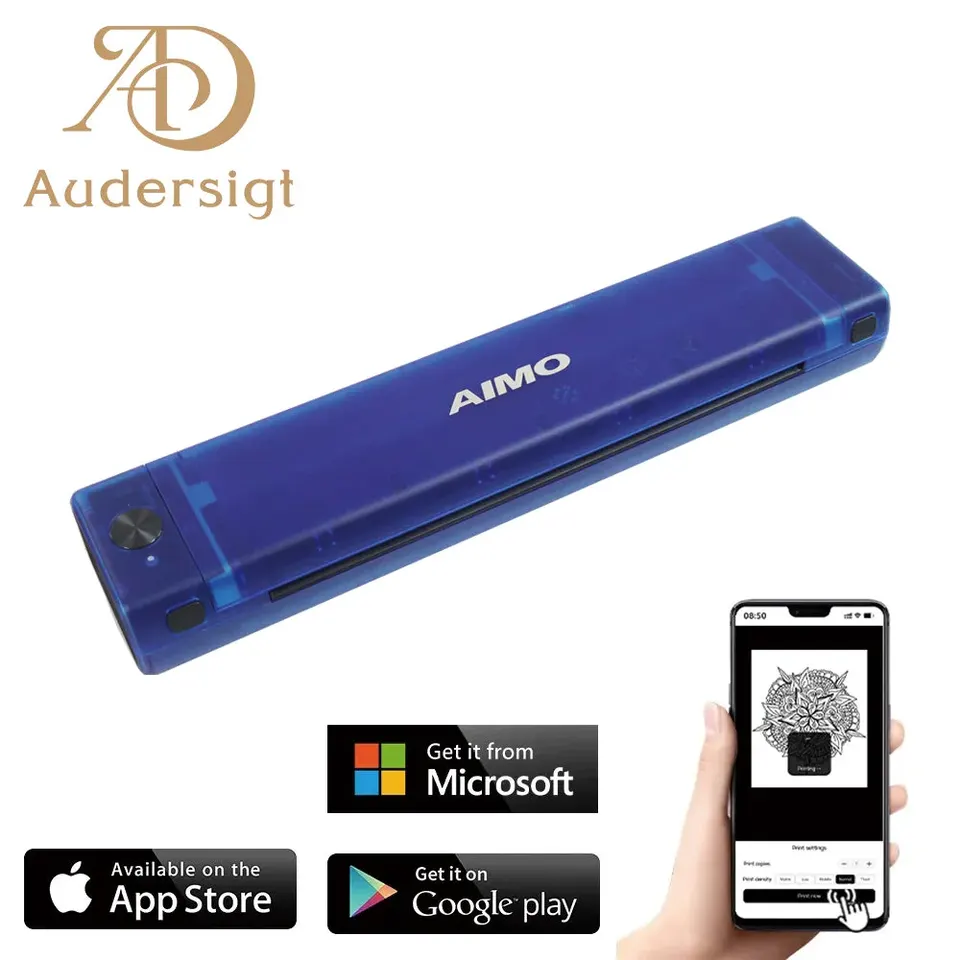
thermal copiers supplies
T08F 타투 열전사 스텐실 프린터
배터리 1200mAh
상품보기종이 및 젤 옵션
thermal copiers supplies
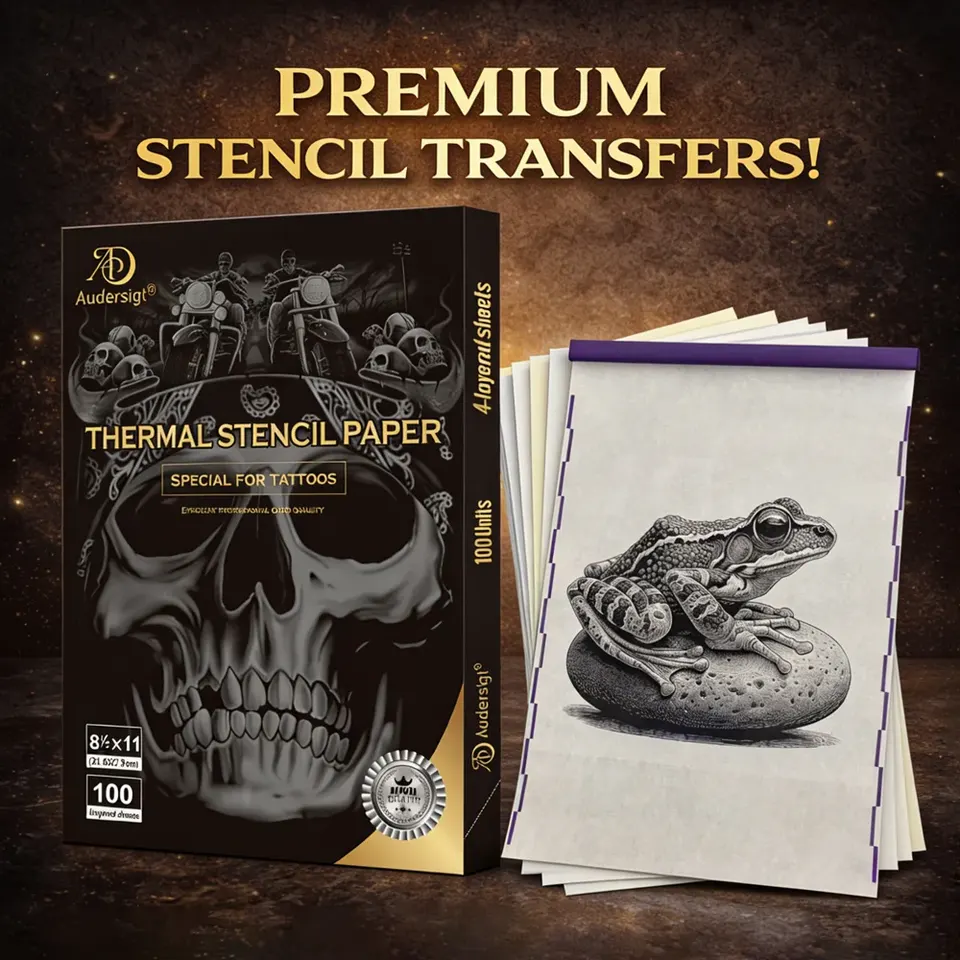
Letter Silver Label 타투 전사지 · 100매
thermal copiers supplies
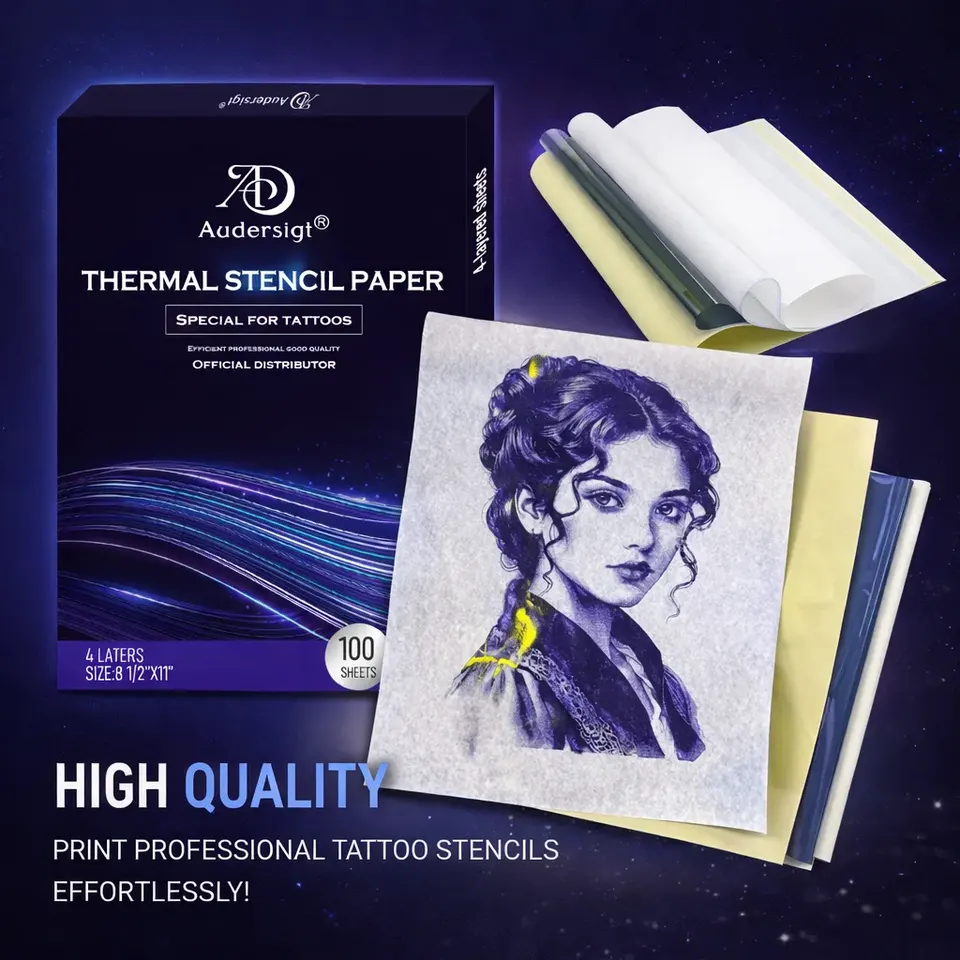
Letter 타투 전사지 · 100매
thermal copiers supplies
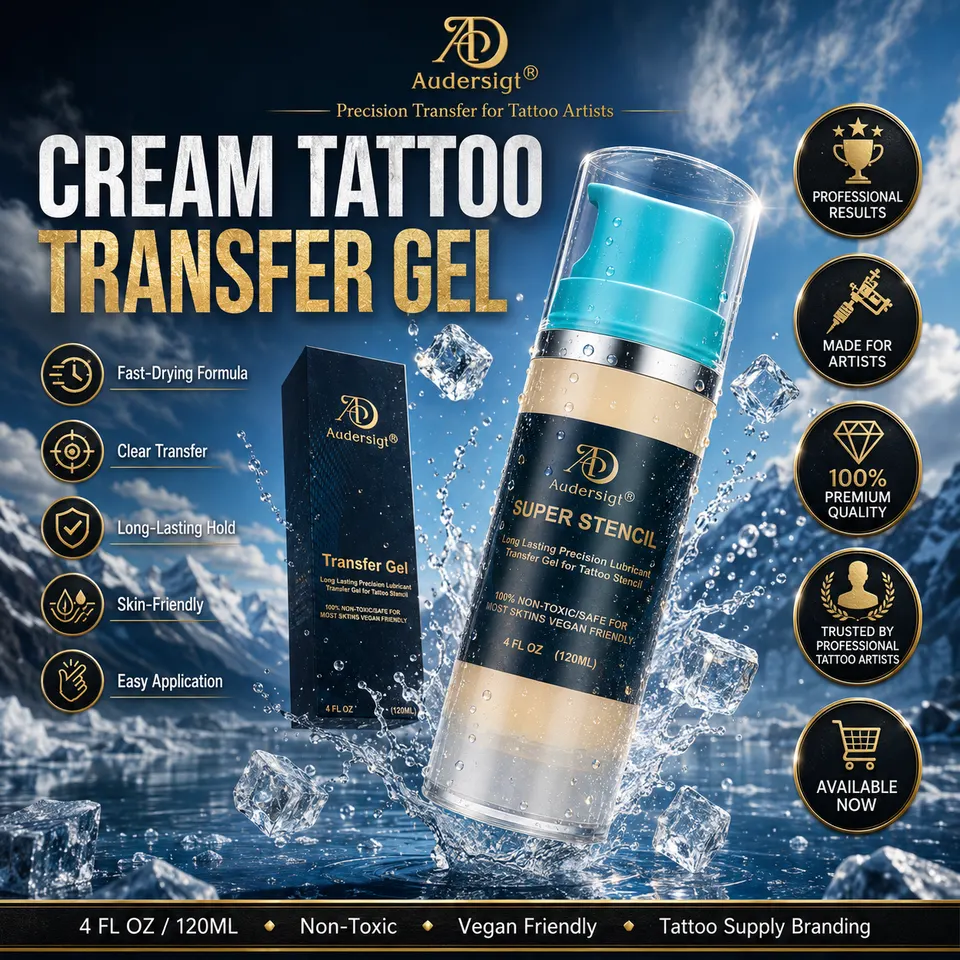
타투 스텐실 전사 젤 · 120ml
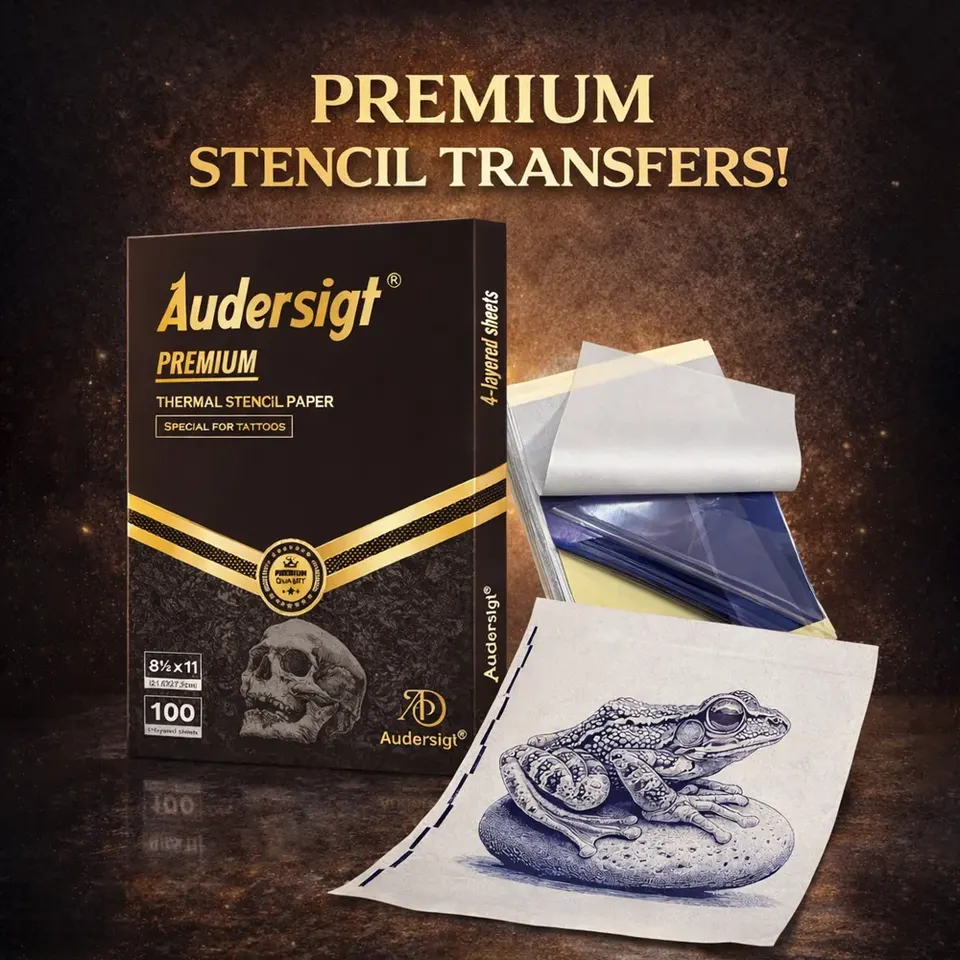
thermal copiers supplies
Letter Gold Label 타투 전사지 · 100매
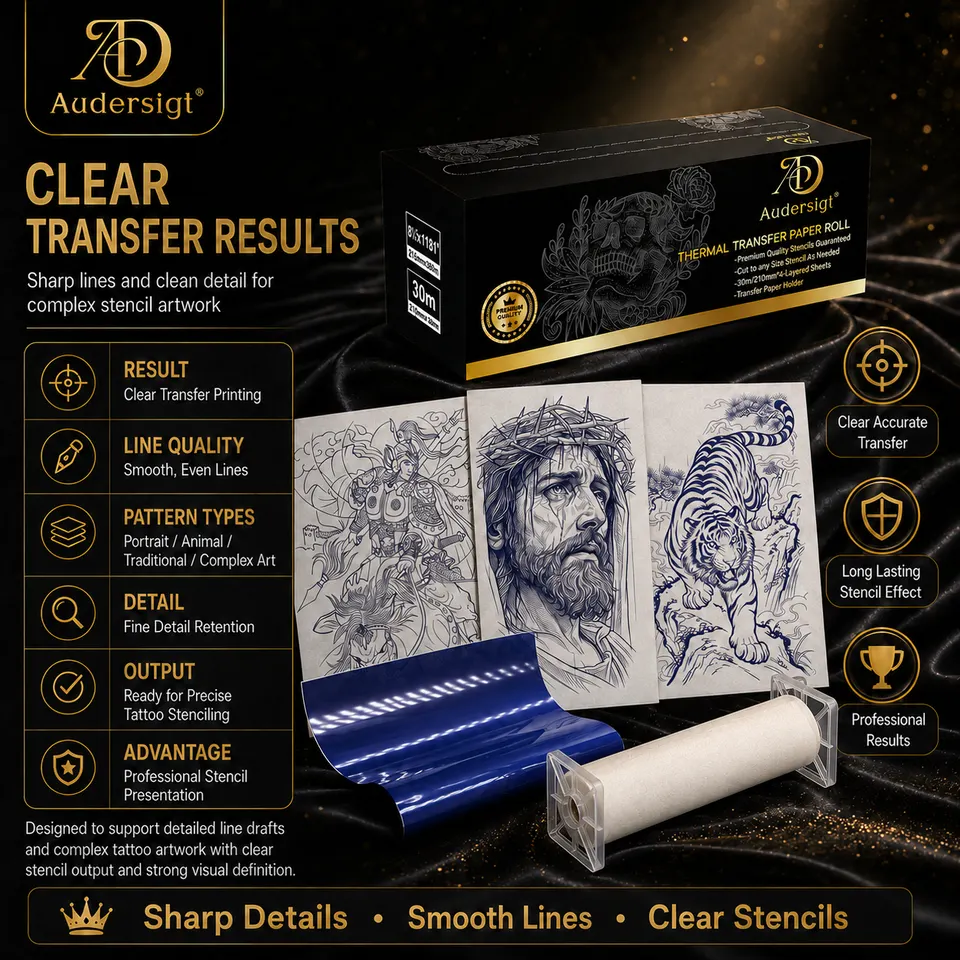
thermal copiers supplies
Gold Label 타투 롤 전사지 · 30m
A4 또는 미니 프린터
A4 프린터는 팔뚝, 허벅지, 등 및 대규모 맞춤 작업에 더 적합합니다. 미니 프린터는 작은 문신, 플래시 이벤트, 여행용 키트에 유용합니다. 소형 장치를 선택하기 전에 인쇄 너비를 확인하십시오.
Bluetooth 및 USB 워크플로
Bluetooth 지원을 통해 아티스트는 휴대폰과 태블릿에서 인쇄할 수 있습니다. 스튜디오 컴퓨터에서 예술 작품을 준비하는 매장에서는 USB 지원이 중요합니다. 바쁜 하루를 시작하기 전에 두 워크플로를 모두 테스트해 보세요.
스텐실 품질 체크리스트
- 깨끗한 고대비 아트워크를 사용하세요.
- 프린터에 맞는 용지 종류를 선택하세요.
- 트랜스퍼 젤을 얇고 균일하게 유지하십시오.
- 닦기 전에 스텐실을 놓아두십시오.
- 약속이 시작되기 전에 스테이션에 여분의 종이를 보관하십시오.
다음 문신 설정 찾기
제품 쇼핑관련 기사
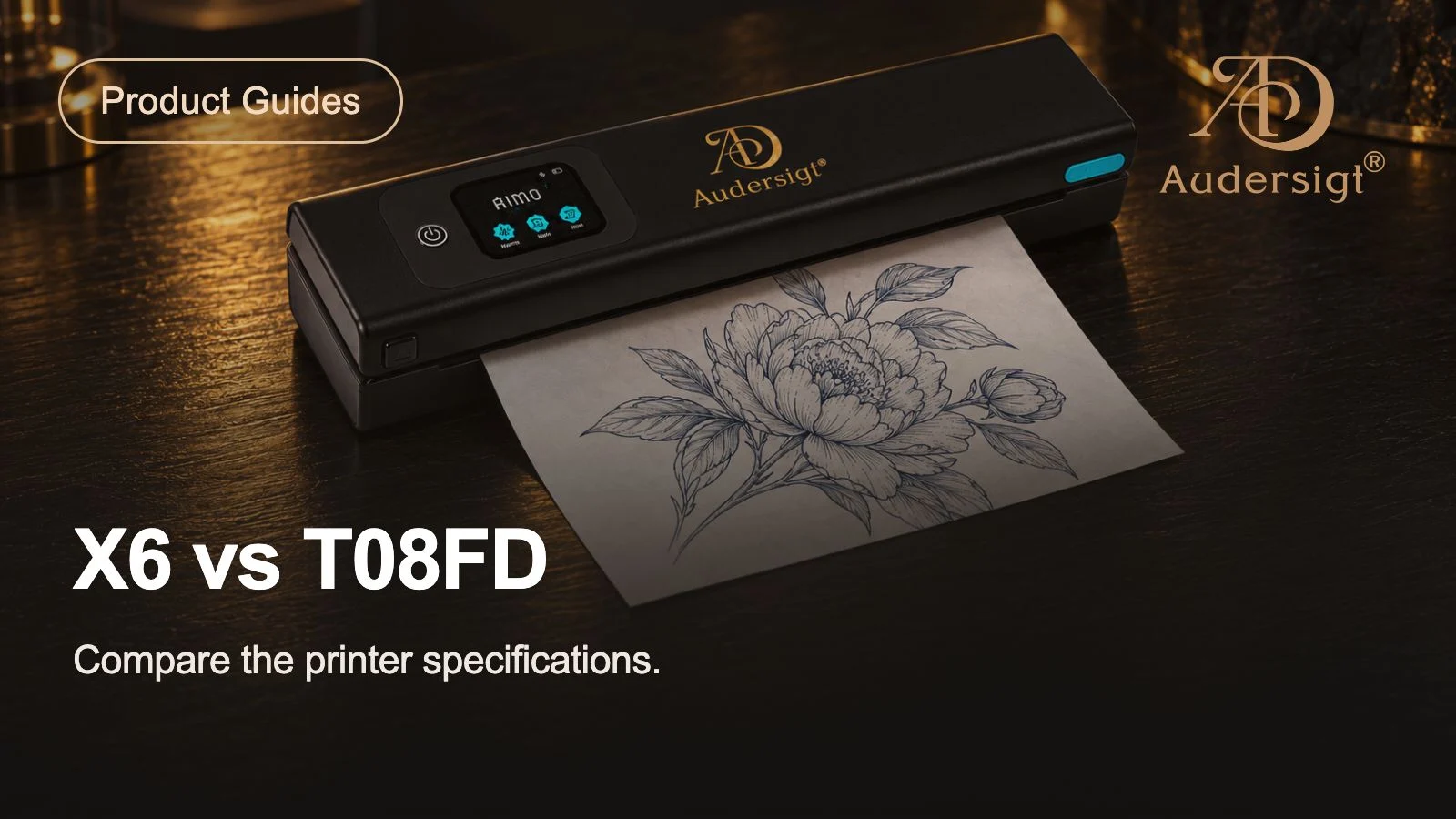
최고의 문신 스텐실 프린터: X6 대 T08FD
Audersigt X6 및 T08FD 문신 스텐실 프린터를 용지 지원, 연결성, 배터리, 컨트롤, 크기 및 실제 스튜디오 작업 흐름별로 비교하십시오.
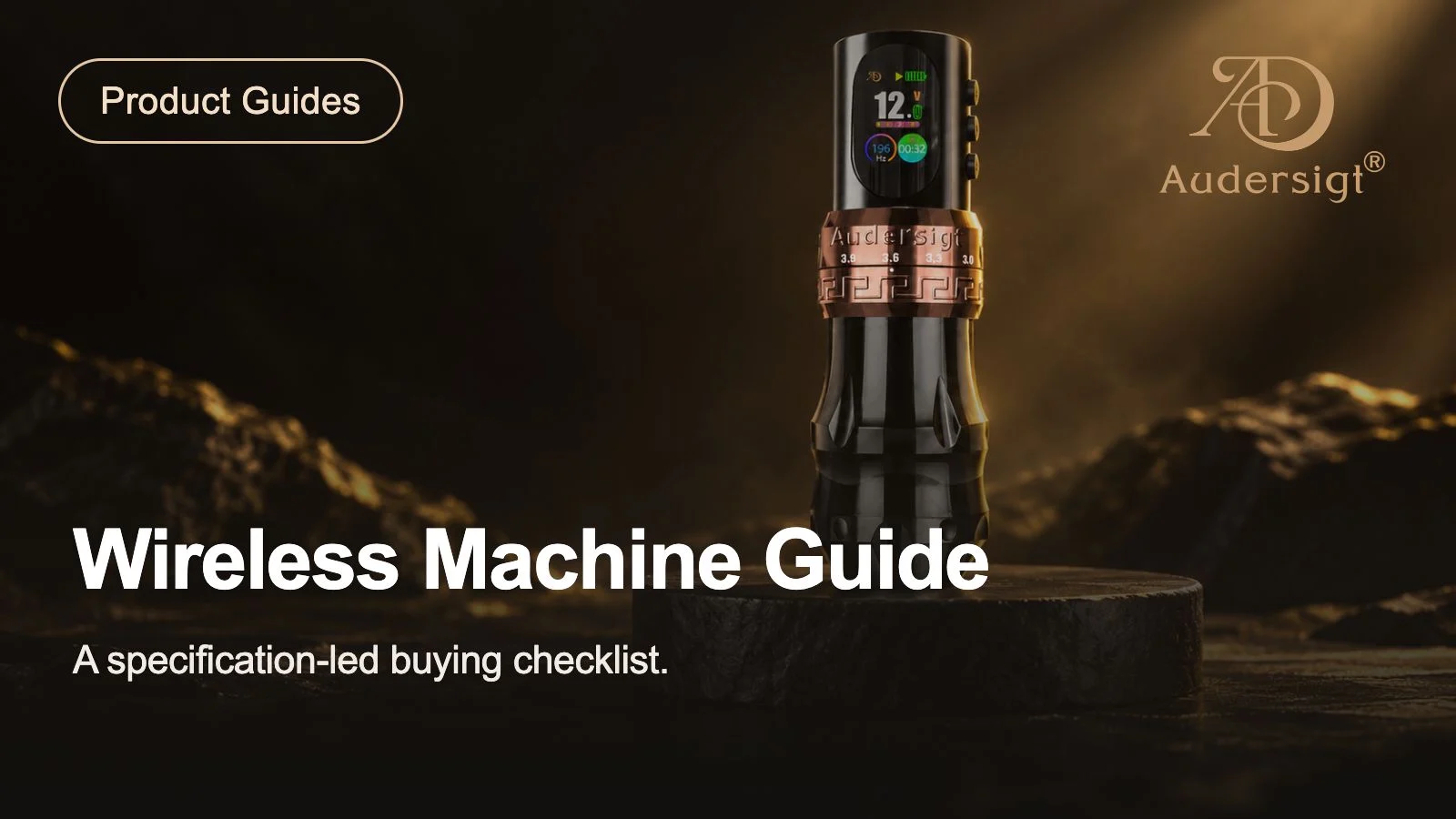
최고의 무선 문신 기계: 사양 기반 스튜디오 가이드
문서화된 스트로크, 모터, 배터리, 그립, 무게 및 반복 가능한 스튜디오 검증 계획을 기준으로 4개의 Audersigt 무선 문신 기계를 비교하십시오.
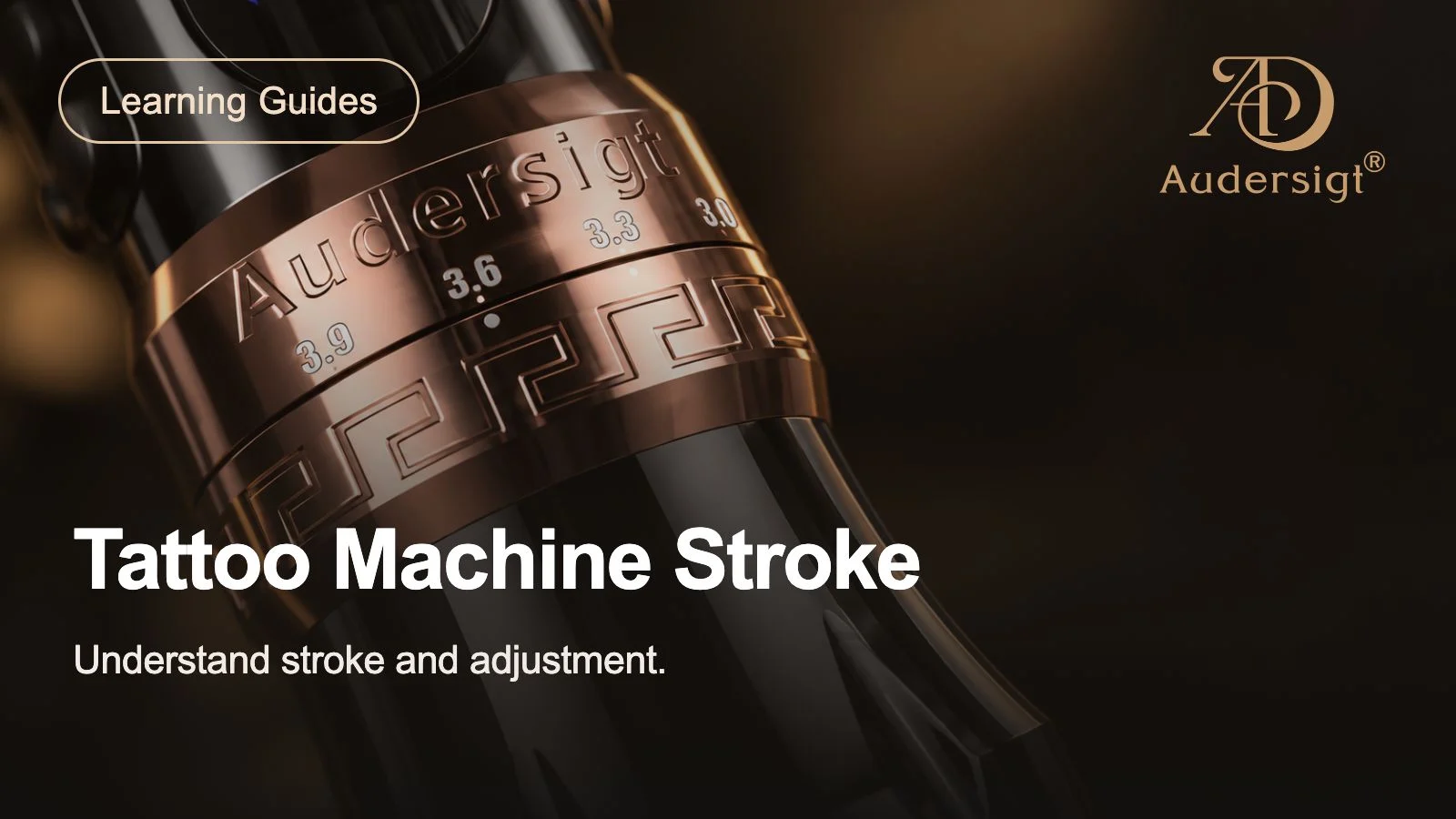
문신 기계 스트로크 가이드
문신 기계 스트로크 길이가 안감, 음영, 색상 패킹, 바늘 제어 및 일일 스튜디오 설정 결정에 어떻게 영향을 미치는지 알아보세요.