
Compare stroke, torque, battery behavior, grip balance, and backup power before choosing a wireless tattoo machine. This daily Audersigt note is built for realism tattoo work.
This Audersigt daily SEO guide for July 11, 2026 focuses on wireless tattoo machine buying for realism tattoo work. The goal is practical: help artists and studio buyers make a cleaner decision before the appointment starts, before a wholesale order is placed, or before a new setup becomes part of the daily station.
For this use case, the key need is smooth shading, careful layering, and stable machine response. That means the best choice is not always the most expensive product or the longest spec sheet. The better choice is the product combination that keeps the artist consistent, protects the client experience, and makes restocking easier to repeat.
Products to compare
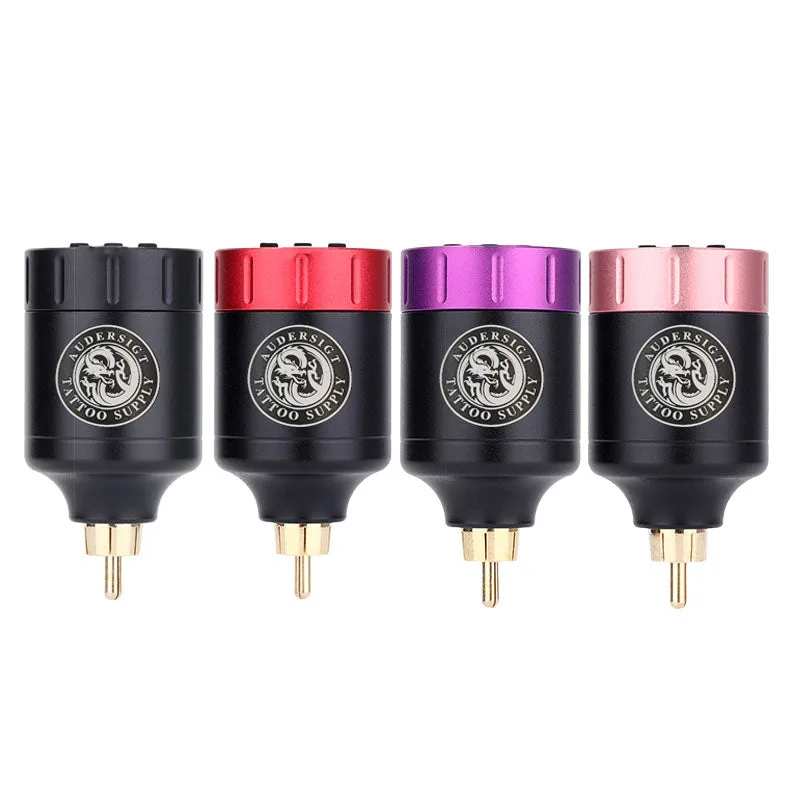
tattoo machines
PW001 Wireless RCA Tattoo Power Supply 1350mAh
battery 1350mAh, working time About 4-6 Hours, weight 56g
View product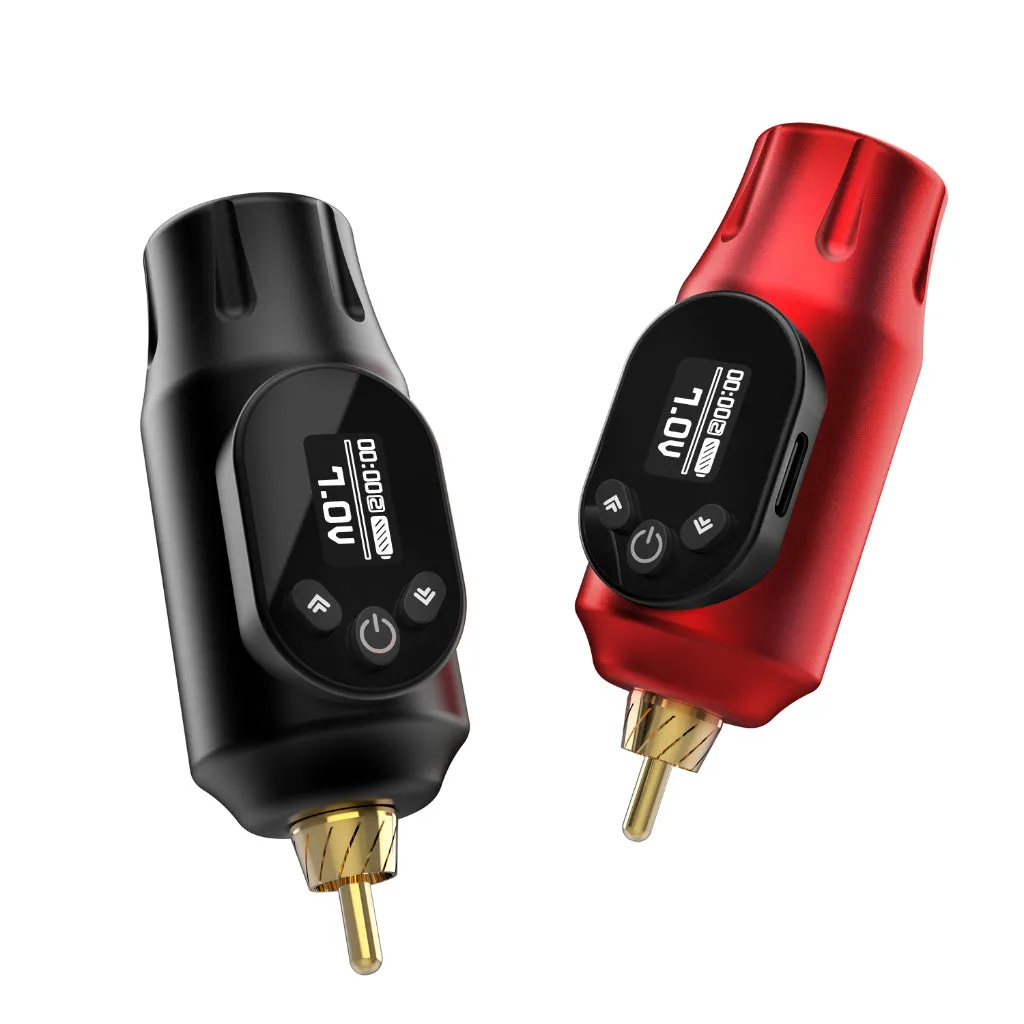
tattoo machines
PW027 Wireless RCA Tattoo Power Supply 2000mAh
battery 2000mAh, working time About 6-8 Hours, weight 66g
View product
tattoo machines
D2 Pro Adjustable Stroke Wireless Tattoo Pen Machine
stroke Adjustable stroke 2.7-4.5mm, battery 1800mAh, working time About 5-8 Hours, weight 261g(Big Grip); 227g(Small Grip)
View productCommon option examples from PW001 Wireless RCA Tattoo Power Supply 1350mAh include Black / PW001, Red / PW001, Purple / PW001, Gold / PW001. Use those examples to plan real station inventory instead of guessing from category names alone.
Buying context
Studios should compare equipment as a workflow, not as isolated products. A tattoo machine only performs well when the cartridge, stencil, power habit, lighting, and hygiene setup support the same technique. A cartridge size only makes sense when the artist's line weight, skin stretch, pigment load, and hand speed are part of the decision.
For realism tattoo work, start with the products that affect the first thirty minutes of the appointment. If the setup is slow, unclear, or understocked at that point, the rest of the session becomes harder. If the setup is repeatable, the artist can focus on the tattoo instead of solving supply problems.
Setup checklist
- Confirm stroke range against the artist's main style.
- Check battery capacity and charge method.
- Test larger cartridges before bulk buying.
- Keep one RCA or spare battery backup.
- Record preferred voltage by needle grouping.
Studio workflow notes
Keep one written setup note for this workflow. It should include the machine or tool used, cartridge grouping, voltage or power habit, stencil method, and the backup item that solves the most common failure. The note does not need to be complicated. It only needs to be specific enough that another artist or assistant can prepare the same station tomorrow.
For wholesale buying, separate test products from core inventory. Test products help the studio learn. Core inventory keeps appointments moving. Mixing those two categories is how shops end up with too many unused items and not enough of the supplies that artists reach for every day.
Common mistakes
- Buying by product title without checking the actual variant or SKU.
- Copying another artist's setup without matching hand speed, skin type, or appointment length.
- Forgetting backup power, spare cartridges, or extra transfer supplies.
- Treating fresh results as the only test instead of checking healed consistency.
- Reordering only when stock is already low.
FAQ
**How often should a studio review this setup?** Review it weekly if the product is a daily consumable, and monthly if it is a durable tool such as a machine, light, chair, or printer.
**Should beginners use the same setup as experienced artists?** Beginners should start with a simpler setup and fewer variables. Once technique becomes consistent, they can add specialized cartridges, stroke changes, or workflow variations.
**What is the safest buying rule?** Buy enough to test, document what works, then scale the SKUs that are used repeatedly. That habit keeps the station cleaner and the inventory easier to manage.
Helpful next step