
Best Wireless Tattoo Machines: A Specification-Led Studio Guide
Audersigt Team·6 min read
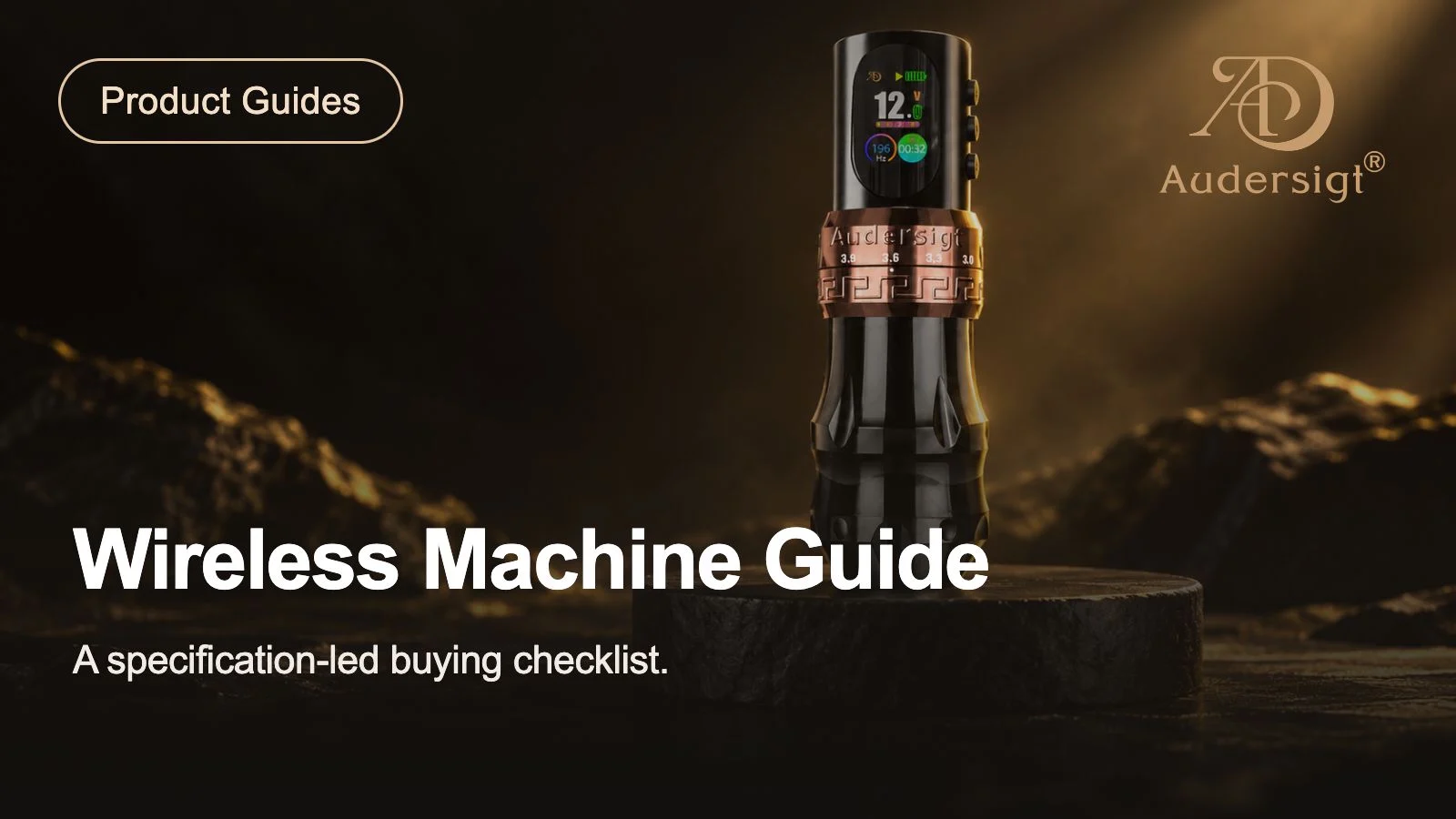
Choose a wireless tattoo machine by the configuration you can verify and the way you intend to work. Start with stroke adjustment, grip dimensions, cartridge compatibility and the complete power setup. A larger battery-capacity number or a longer feature list does not, by itself, identify the best machine for your studio.
This is an Audersigt catalog comparison, not an independent ranking. We checked the current English product records for D2 Pro, KT088, KT108 and MAX PRO on October 27, 2026, including the translated fields that actually supply the storefront. The figures below are published specifications, not measurements from a hands-on test. Current prices, stock, selected variants and included parts remain on the linked product pages.
Compare the documented configurations
| Model | Stroke information in the current record | Battery capacity in the record | A useful starting point for comparison |
|---|---|---|---|
| D2 Pro | Seven positions: 2.7 / 3.0 / 3.3 / 3.6 / 3.9 / 4.2 / 4.5 mm | Two removable 1800 mAh batteries listed | Compare its two documented grip configurations and check which parts accompany the selected option. |
| KT088 | Adjustable range: 2.3–4.5 mm | 2000 mAh | Start with the adjustable range, then confirm the exact grip, complete weight and package with the current variant. |
| KT108 | Seven positions: 2.3 / 2.7 / 3.0 / 3.4 / 3.8 / 4.2 / 4.5 mm | 2000 mAh | Compare its documented 40 mm body and controls; the listed package has a fitted battery and a spare module. |
| MAX PRO | Listed options: 3.5 / 4.0 mm | 2000 mAh | Check whether these two stroke options match your requirements before comparing its brushless-motor configuration. |
Battery capacity is reported per battery where the catalog states it. Two 1800 mAh batteries are two separate modules; this table does not turn them into a single 3600 mAh battery or a guaranteed combined working time. No model is declared the winner on the basis of these records.
Start with the complete machine, not one specification
Stroke adjustment
Compare the available positions with your own requirements and the machine instructions. D2 Pro and KT108 both list seven positions, but their sequences are different. KT088 publishes an adjustable range; MAX PRO lists two options. Counting positions alone does not establish a better result or make one model suitable for every technique.
Stroke and needle extension are different adjustments. This buying guide does not prescribe an operating voltage, needle depth or technique. If a product description leaves the adjustment method unclear, ask for the current instructions for that exact model before ordering. Keep technique decisions with a trained professional who can assess the complete setup.
Grip and handling
D2 Pro's English detail section lists a 32 mm grip at 227 g and a 41 mm grip at 261 g. These are catalog configurations, not two measurements we performed. KT108's current detail section lists a body length of 134 mm and a 40 mm diameter. The linked product page should be used to confirm the selected configuration rather than treating every model in the family as identical.
For a useful handling comparison, note what is included in the weight: battery, grip, cartridge and any other fitted parts. Compare like with like. A body-only figure and a ready-to-use configuration answer different questions. Older KT088 records contain different weight figures, so this refresh does not use an unresolved weight to claim it is the lightest choice.
Power and charging
Write down the compatible battery module, charging input, cable and charging procedure for the machine you select. A USB-C connector describes the connector; it does not establish that every charger or battery module is interchangeable. Confirm compatibility in the supplied instructions or with the seller.
Plan how a spare is charged and identified, and what happens if a module is unavailable. D2 Pro and KT108 currently list spare-battery arrangements, but the contents of a particular order still need checking. Do not assume that a machine, a separate wireless power supply and a replacement battery are the same type of product.
Treat runtime as a separate question
Some earlier catalog fields and promotional materials give different working-time ranges for D2 Pro and MAX PRO. Those discrepancies have not been resolved through a controlled test in this refresh. We therefore leave an hours-per-charge comparison out of the table instead of choosing the longest number.
For a purchase decision, ask what conditions produced a runtime claim and whether it applies to the selected battery and machine. If your studio evaluates a sample, retain the model, battery identifier, charge procedure, operating settings, cartridge, task, interruptions and observed duration. A useful record describes what was actually tried; it does not extend one observation to every setting or every battery.
No independent runtime, vibration, temperature, noise, durability or healed-result testing was performed for this article. A product record can support a specification shortlist; it cannot substitute for those measurements.
A comparison worksheet for your shortlist
Use a separate row for each complete configuration. Leave unknowns blank until they are confirmed. This is an original purchasing worksheet, not a table of test results.
| Record | What to write down | Why it matters |
|---|---|---|
| Exact model and option | Model code, color or grip option, and product-page link | Avoid comparing one variant with the description of another. |
| Required adjustment | The positions you need and how the instructions describe adjustment | Separate essential requirements from optional features. |
| Complete handling setup | Grip, fitted battery, cartridge and the basis of any weight figure | Make the configurations comparable. |
| Charging and backup | Compatible module, specified input, included cable and spare arrangement | Identify what must be available at the station. |
| Consumables | Intended cartridge system and exact codes | Confirm compatibility before buying quantities. |
| Order contents | Machine, batteries and accessories explicitly included | Avoid treating a separately pictured accessory as included. |
| Receiving check | What was ordered, what arrived, and any discrepancy | Keep a clear record before accepting a larger order. |
| Evidence status | Catalog statement, seller confirmation or your documented observation | Keep different types of evidence distinct. |
Match the buying record to the studio
For a single station, concentrate on the configuration you will actually use and a practical charging arrangement. For a shared studio, add equipment labels and a consistent record of the batteries and cartridges assigned to each machine. For guest spots, confirm what the host supplies and use the convention and guest-spot packing list for the wider equipment plan.
For wholesale purchases, qualify the exact sample and option before increasing the quantity. Record discrepancies and request clarification; do not assume a family-level specification approves every variant. The wholesale buying guide covers the wider purchasing record. Current terms should be checked before ordering, not inferred from an old comparison article.
Before you decide
- Confirm the exact model and selected configuration on the product page.
- Separate required stroke positions from features that are merely convenient.
- Check the grip and the basis of the listed weight.
- Confirm the intended cartridges and battery modules are compatible.
- Verify charging requirements and everything included in the package.
- Ask for clarification where current specifications conflict.
- Check current availability, support and return terms.
- Keep any sample observations separate from manufacturer specifications.
Browse the tattoo machine collection to compare current products, then review the cartridge collection for the consumables used with your chosen setup. For a broader decision about the power arrangement, see wireless versus wired machines. This page compares the four documented machine configurations; it does not replace those separate compatibility and purchasing checks.
Related resources
Wireless tattoo machinesAll tattoo machinesCompatible cartridge workflowStencil workflowWholesale and OEM buying guideCompare product specificationsCommon questions
How should wireless tattoo machines be compared?
Compare catalog facts such as stroke range, motor, voltage, battery format, grip, weight, charging, and cartridge compatibility, then test the complete setup under the same controlled conditions.
Does battery capacity predict a full working day?
Not by itself. Runtime changes with voltage, motor load, cartridge resistance, battery condition, pauses, and charging habits, so catalog capacity and real workflow observations should be recorded separately.
Find your next tattoo machine
Compare tattoo machinesRelated Articles
How to Choose a Tattoo Machine for Your Work and Studio
Choose a tattoo machine by compatibility, complete handling, power requirements and after-sales support, with a practical checklist for your shortlist.
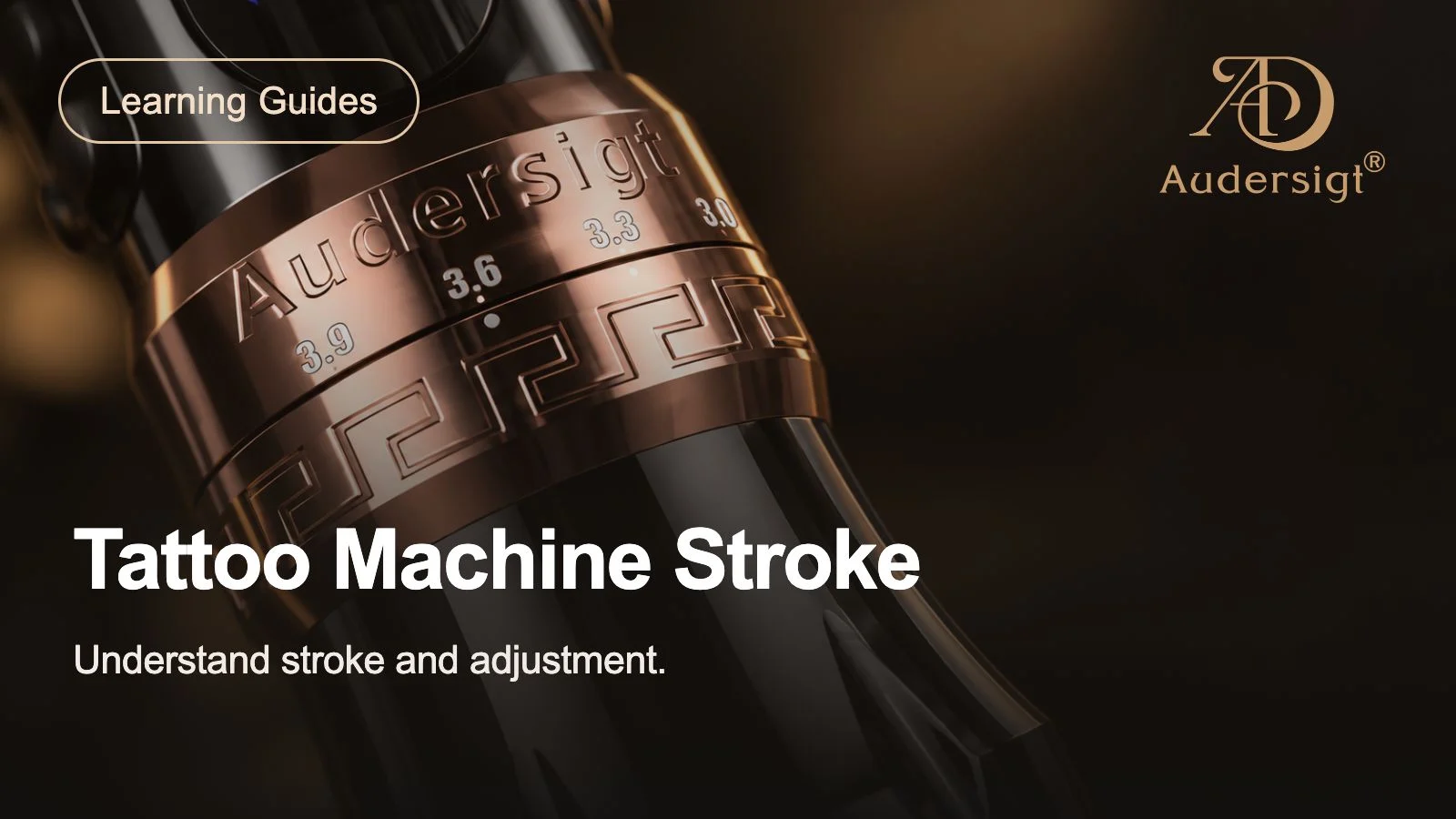
Tattoo Machine Stroke Guide
Learn how tattoo machine stroke length affects lining, shading, color packing, needle control, and daily studio setup decisions.
Mobile Tattoo Kit Planning Guide
Plan a compact mobile tattoo kit for guest spots, conventions, training, and backup use without losing contamination control or workflow redundancy.