
Build a stencil workflow with Audersigt Bluetooth thermal printers, A4 transfer paper, roll paper, and stencil gel.
A stencil setup should reduce appointment friction. The printer, paper format, battery, connection method, and transfer gel all affect whether the artist starts on time or spends ten minutes fixing a weak stencil.
Printer options
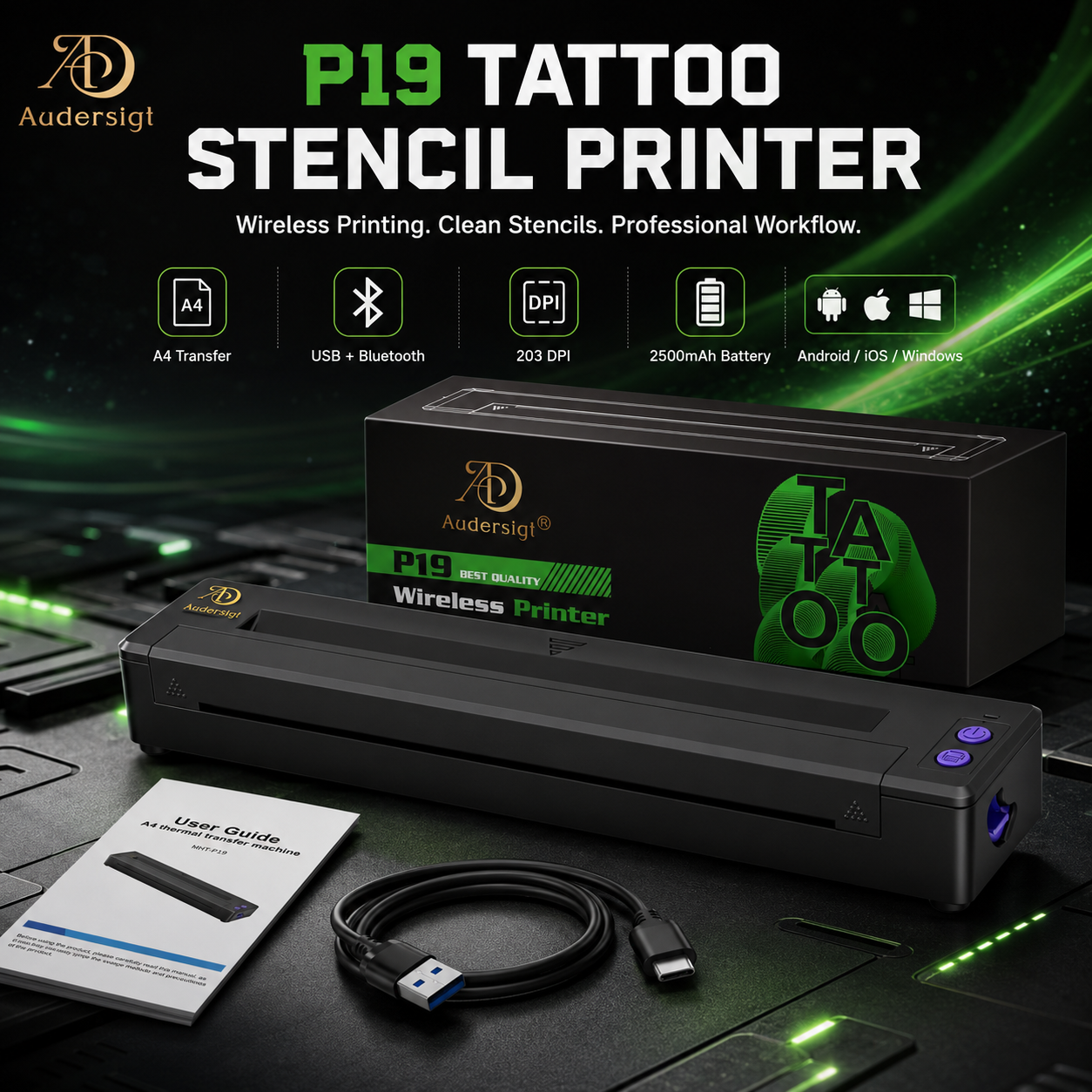
thermal copiers supplies
P19 Mini Bluetooth Thermal Tattoo Stencil Printer
battery 2500mAh
View product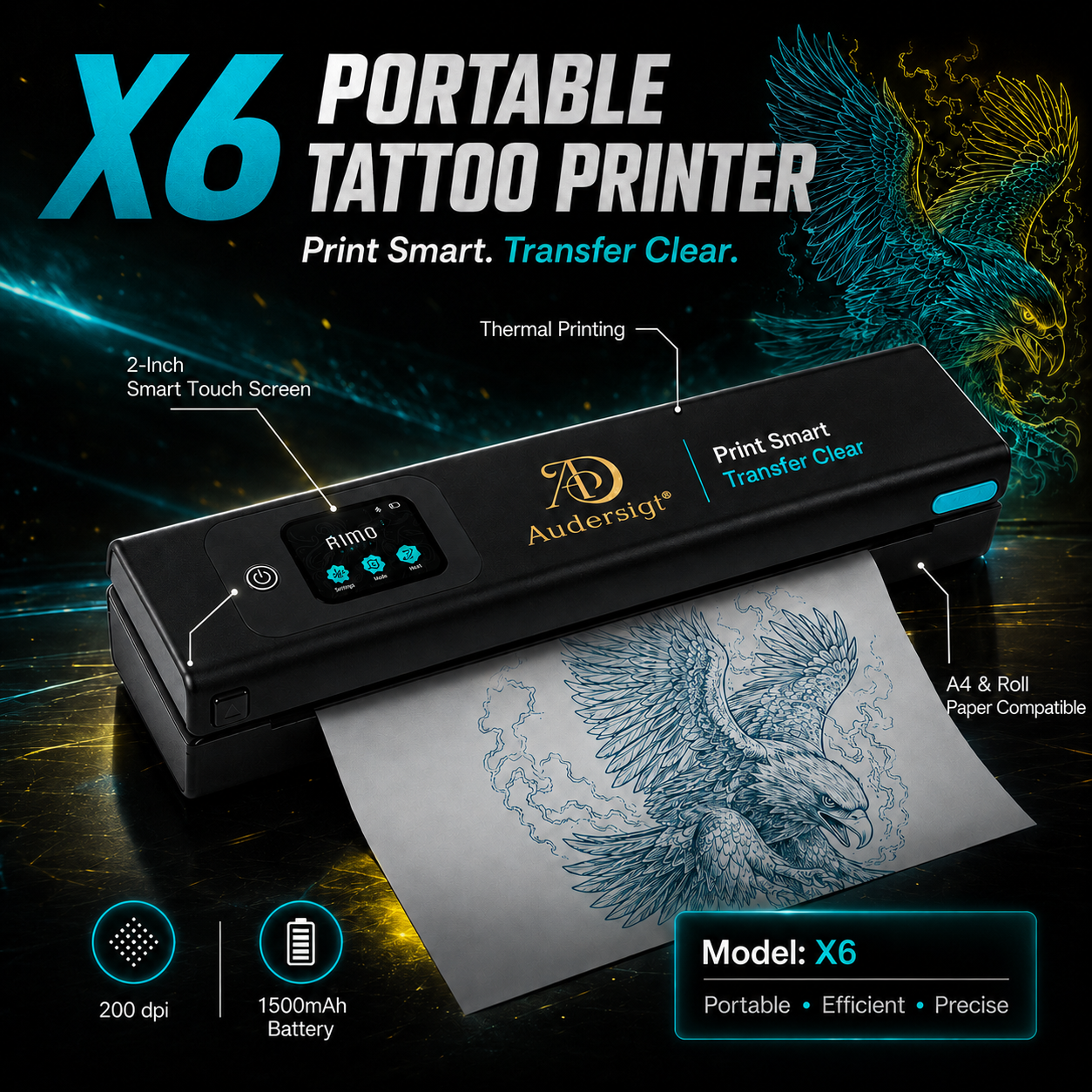
thermal copiers supplies
Audersigt X6 Bluetooth Thermal Tattoo Stencil Printer
battery 1500 mAh, weight 0.72 kg
View product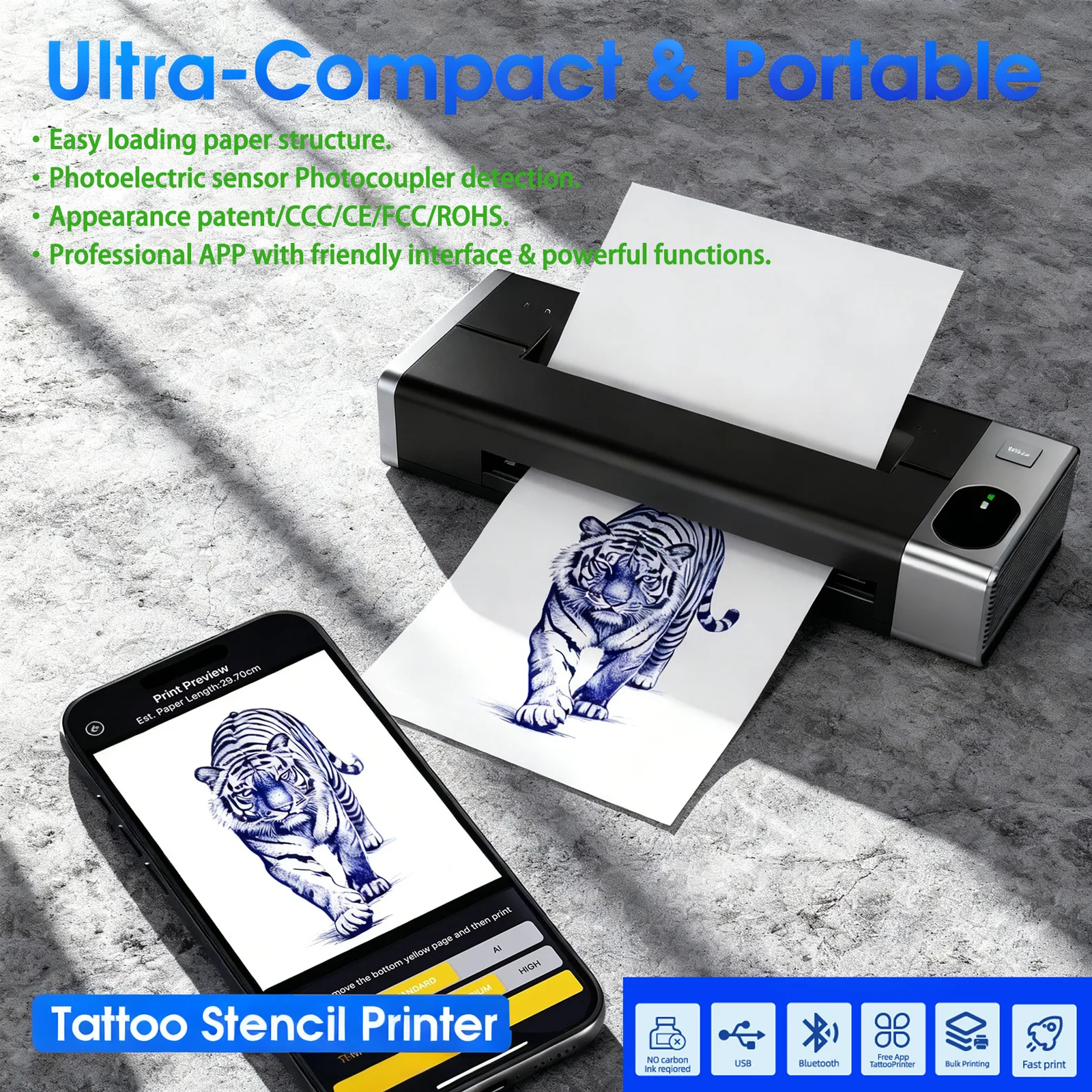
thermal copiers supplies
M6 Mini Bluetooth Thermal Tattoo Stencil Printer
battery 1200mAh
View product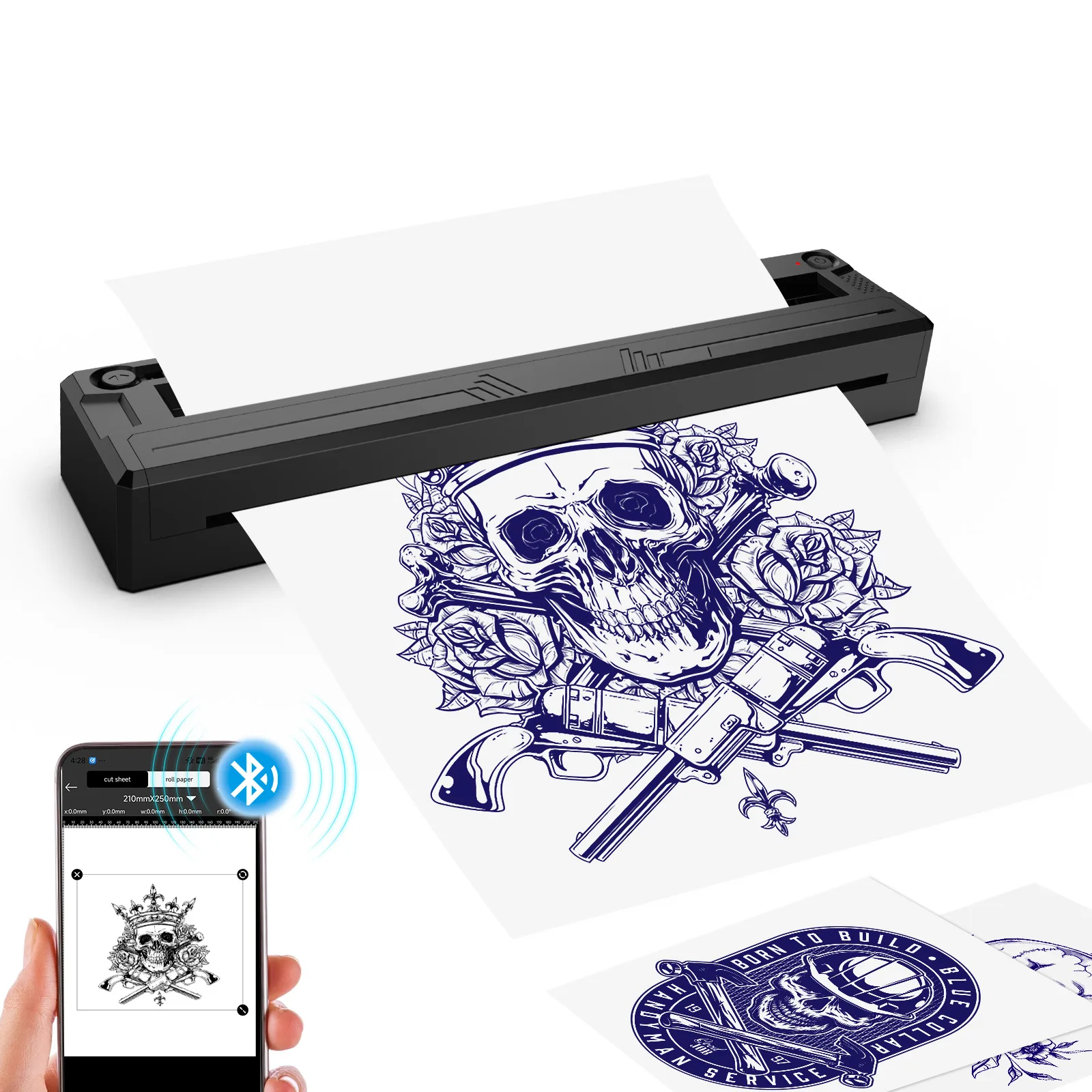
thermal copiers supplies
M8 Mini Bluetooth Thermal Tattoo Stencil Printer
battery 1500mAh
View product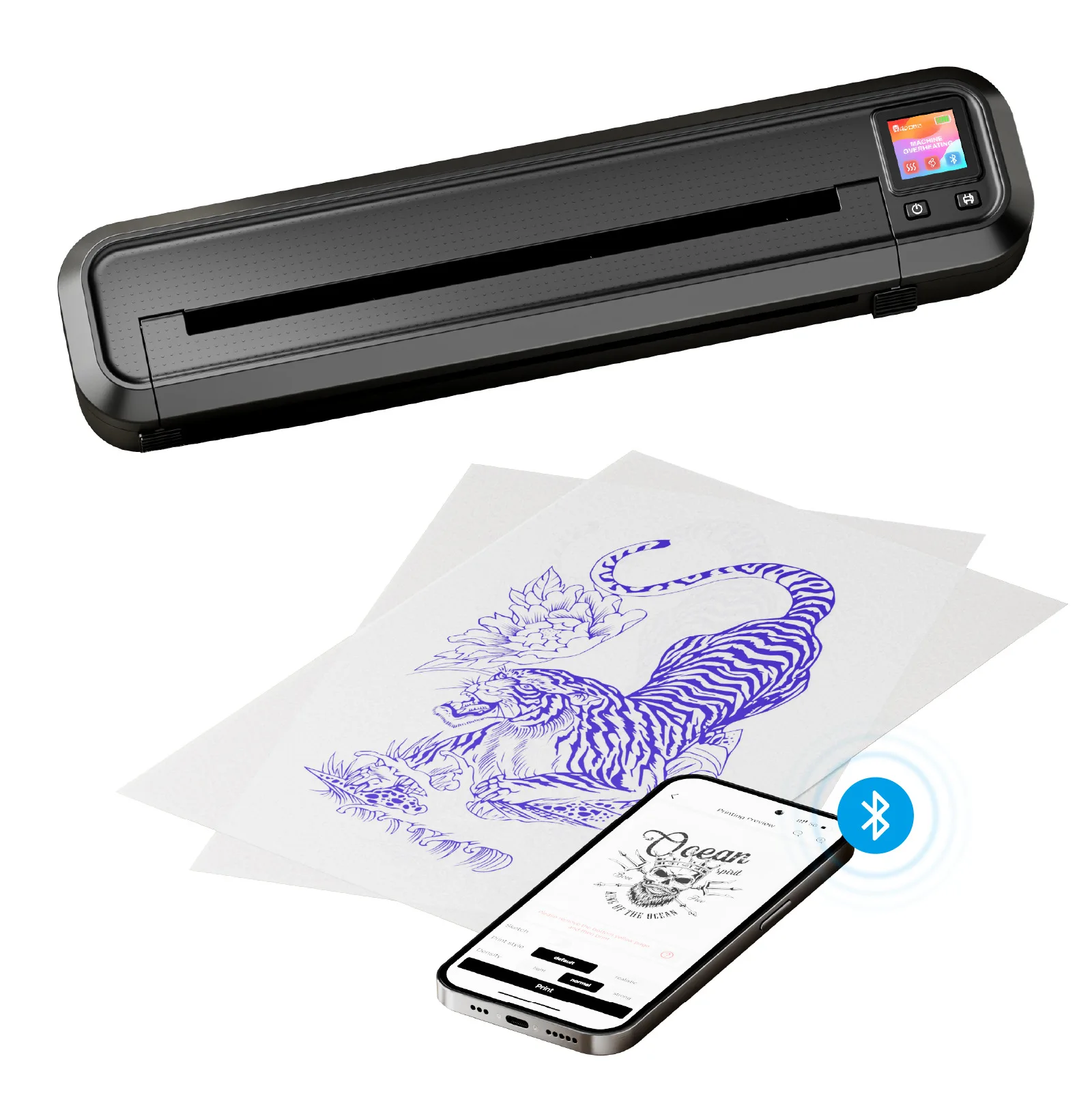
thermal copiers supplies
MHT500 Bluetooth Thermal Tattoo Stencil Printer
battery 2500mAh
View product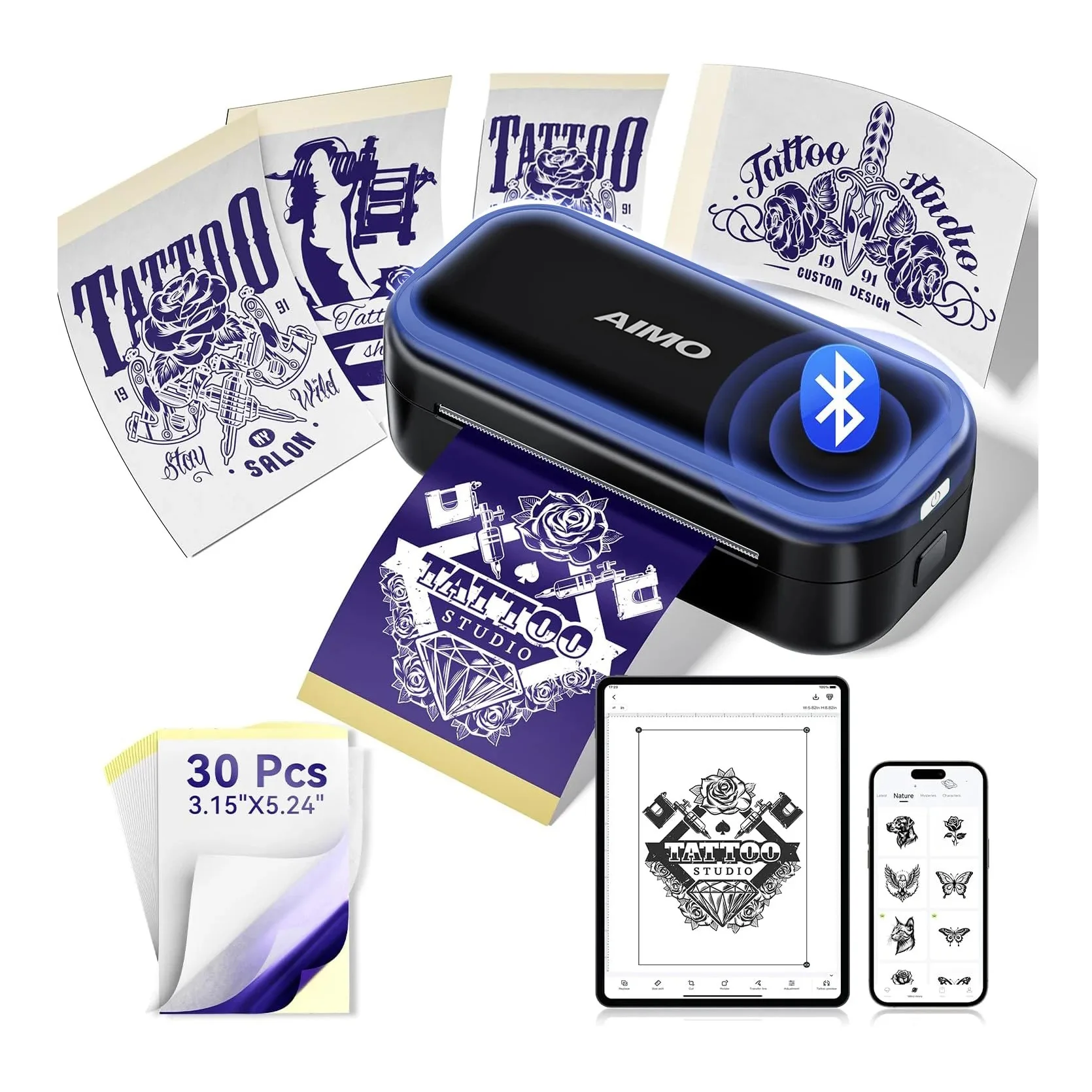
thermal copiers supplies
MR3 Mini Bluetooth Thermal Tattoo Stencil Printer
battery 2200mAh
View product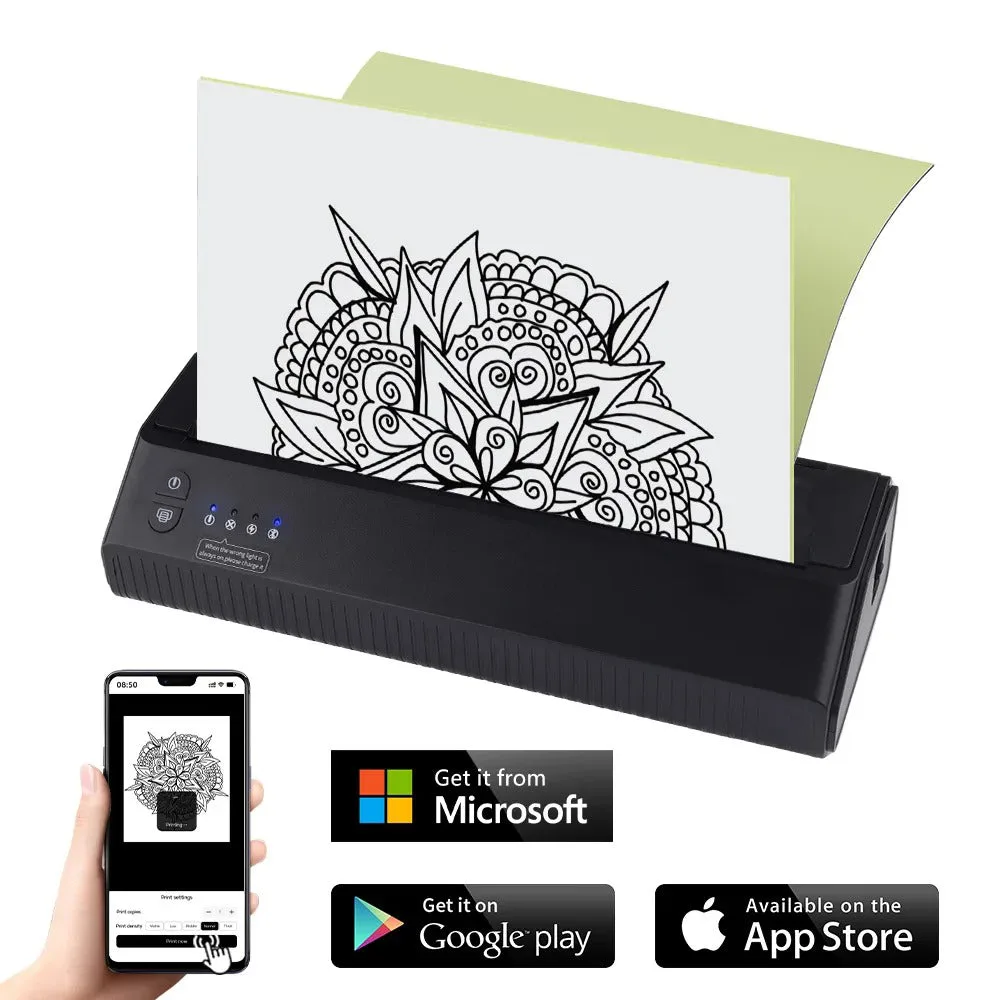
thermal copiers supplies
P8008 Mini Bluetooth Thermal Tattoo Stencil Printer
battery 2500mAh
View product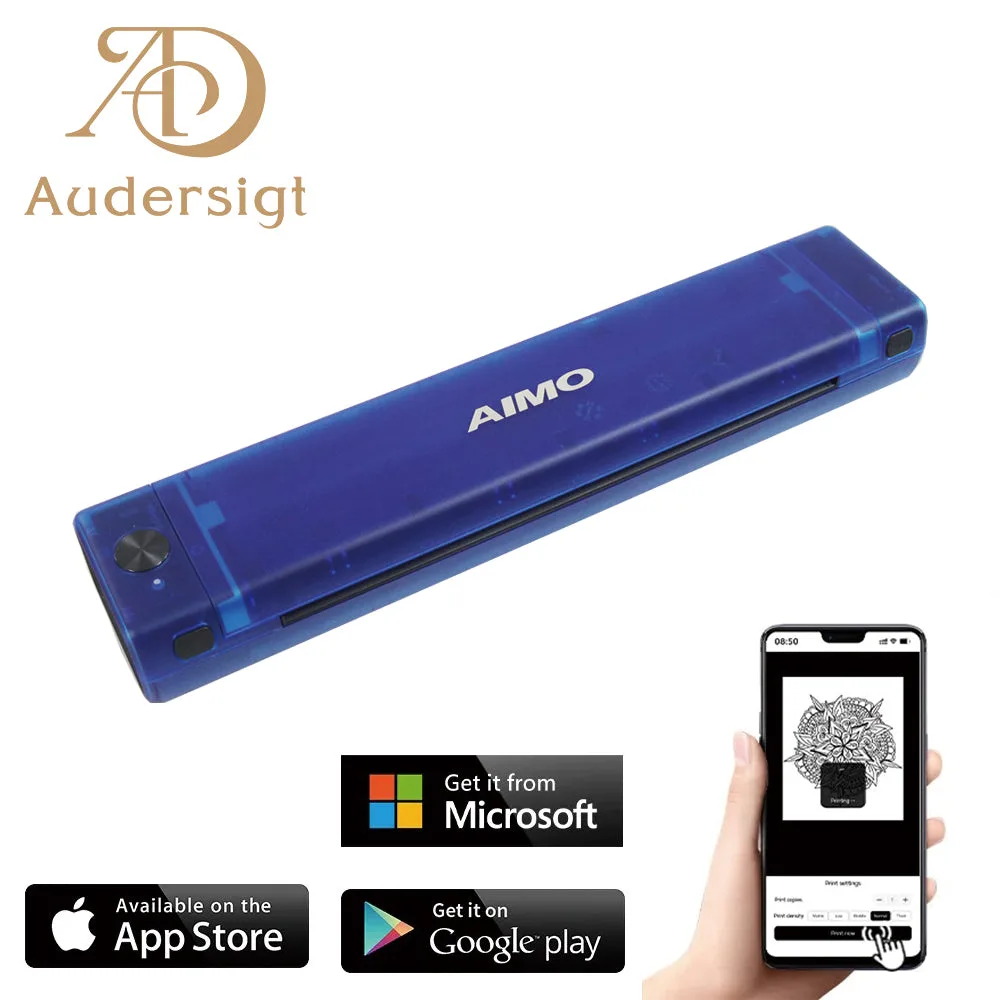
thermal copiers supplies
T08F Bluetooth Thermal Tattoo Stencil Printer
battery 1200mAh
View productPaper and gel options
thermal copiers supplies
100 sheets Silver Label Tattoo Stencil Transfer Paper
thermal copiers supplies
100 sheets Tattoo Stencil Transfer Paper
thermal copiers supplies
120ml Tattoo Stencil Transfer Gel
thermal copiers supplies
Gold Label Tattoo Stencil Transfer Paper
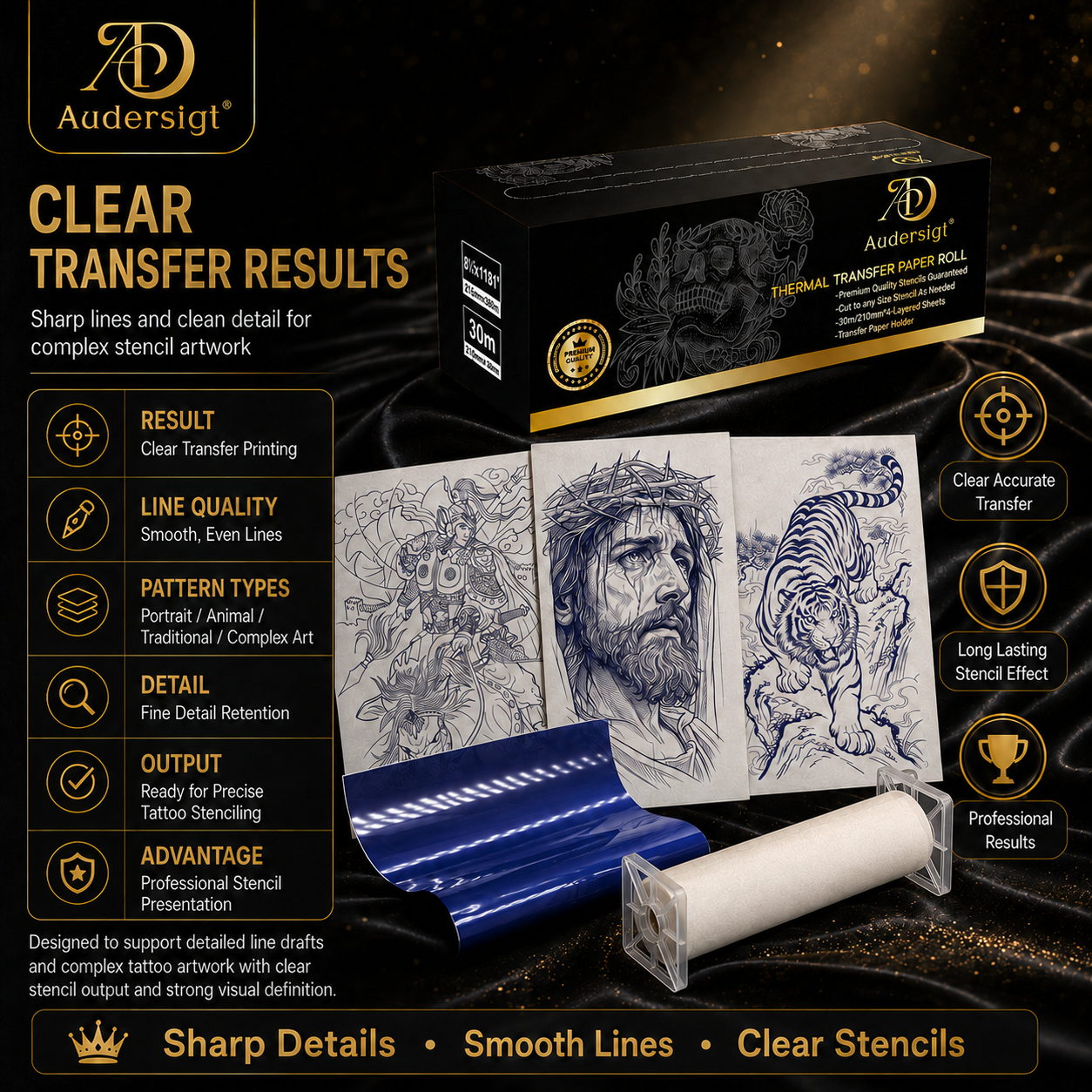
thermal copiers supplies
HD Gold Label Advanced Thermal Transfer Paper (machine printing only)
A4 or mini printer
A4 printers are better for forearm, thigh, back, and larger custom work. Mini printers are useful for small tattoos, flash events, and travel kits. Check printing width before choosing a compact unit.
Bluetooth and USB workflow
Bluetooth support helps artists print from phones and tablets. USB support matters for shops that prepare artwork on a studio computer. Keep both workflows tested before a busy day.
Stencil quality checklist
- Use clean high-contrast artwork.
- Match paper type to the printer.
- Keep transfer gel thin and even.
- Let the stencil set before wiping.
- Keep spare paper in the station before the appointment starts.
Helpful next step