Audersigt Tattoo Supply
KT088 Adjustable-Stroke Wireless Tattoo Pen
4.6Based on 10 reviewsSix stroke settings, a coreless motor and three voltage memories.
Charged in USD. Your payment provider determines the final exchange rate.
Limited offer
Use code: AD15Services and benefits
Payment methods






Klarna4 payments of $27.50 estimated at checkout
Delivery methods


Product Details
Key Features
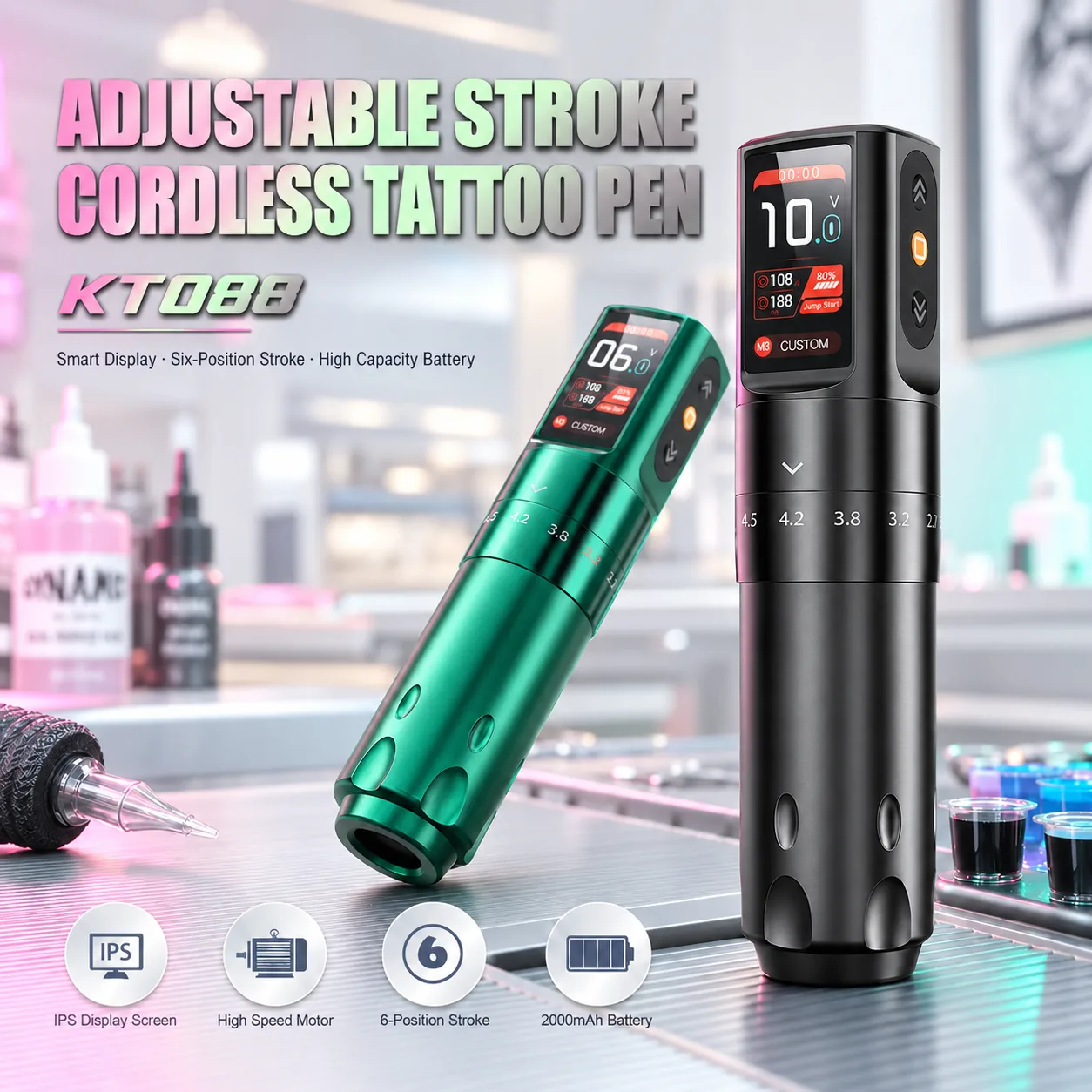
Six stroke settings: 2.3, 2.7, 3.2, 3.8, 4.2 and 4.5 mm.
Coreless motor with a stated maximum speed of 9,700 rpm at 12 V.
2000 mAh battery; stated runtime around 6–8 hours, depending on settings, load and battery condition.
IPS colour display and three voltage memories for recalling saved settings.
Aluminium body, 220 g net weight and dimensions of 133 × 32 mm.
Includes the tattoo machine, an RCA adapter and a USB charging cable.
What's Included
- 1 tattoo machine
- 1 RCA adapter
- 1 USB charging cable
Use and care
- With the machine switched off, press and hold K2 to turn it on without jump-start mode. Press K2 twice to turn it on with jump-start mode.
- With the machine switched on, press and hold K2 to turn it off and enter low-power sleep mode.
- With the machine switched on and the motor running, press or hold K1/K3 to adjust the output voltage up or down.
- With the machine switched on and the motor stopped, briefly press K1/K3 to cycle through the three saved voltage settings.
- With the machine switched on and the motor stopped, press and hold K1/K3 to adjust the voltage for the selected memory setting.
Important notes
- Low battery: the battery protection alert indicates that the charge is low.
- Motor overload or short circuit: an alert indicates that the corresponding protection has been triggered.
- When one of these protections is triggered, the corresponding message appears at the top of the display.
- Do not dismantle the machine's internal components. Damage caused by unauthorized disassembly is not covered by the store warranty.
- Do not open the battery housing. Follow the instructions for this model when handling or replacing a battery module.
- Choose charging equipment that matches the input marked on the product and in its instructions. If they differ, contact support before charging.
- Clean the grip according to the instructions for this model. Do not subject the entire machine to high-temperature sterilization.
Technical Specifications
| SKU | KT088 |
|---|---|
| Category | Tattoo Machines |
| Availability | In Stock |
| Material | aluminum |
| Stroke | Six settings: 2.3 / 2.7 / 3.2 / 3.8 / 4.2 / 4.5 mm |
| Motor | Coreless motor |
| Battery capacity | 2000 mAh |
| Charging time | About 3 Hours |
| Battery runtime | About 6-8 Hours |
| Battery type | lithium battery |
| Charging port | USB-C |
| Charging input | 5 V DC / 1 A |
| Output voltage | 4–12 V |
| Display | IPS |
| Maximum speed | 9700 rpm at 12 V |
| Net weight | 220 g |
| Dimensions | 133 mm × 32 mm |
| Certificate | CE、EMC、RoHS |
| Output current | 2 A |
| Product material | aviation-grade aluminum |
| Total package weight | 520 g |
| Package dimensions | 16 × 16 × 5 cm |
* Specifications are subject to change without notice. Please refer to the product packaging for the most accurate information.
Product Details
Key Features
Six stroke settings: 2.3, 2.7, 3.2, 3.8, 4.2 and 4.5 mm.
Coreless motor with a stated maximum speed of 9,700 rpm at 12 V.
2000 mAh battery; stated runtime around 6–8 hours, depending on settings, load and battery condition.
IPS colour display and three voltage memories for recalling saved settings.
Aluminium body, 220 g net weight and dimensions of 133 × 32 mm.
Includes the tattoo machine, an RCA adapter and a USB charging cable.
What's Included
- 1 tattoo machine
- 1 RCA adapter
- 1 USB charging cable
Use and care
- With the machine switched off, press and hold K2 to turn it on without jump-start mode. Press K2 twice to turn it on with jump-start mode.
- With the machine switched on, press and hold K2 to turn it off and enter low-power sleep mode.
- With the machine switched on and the motor running, press or hold K1/K3 to adjust the output voltage up or down.
- With the machine switched on and the motor stopped, briefly press K1/K3 to cycle through the three saved voltage settings.
- With the machine switched on and the motor stopped, press and hold K1/K3 to adjust the voltage for the selected memory setting.
Important notes
- Low battery: the battery protection alert indicates that the charge is low.
- Motor overload or short circuit: an alert indicates that the corresponding protection has been triggered.
- When one of these protections is triggered, the corresponding message appears at the top of the display.
- Do not dismantle the machine's internal components. Damage caused by unauthorized disassembly is not covered by the store warranty.
- Do not open the battery housing. Follow the instructions for this model when handling or replacing a battery module.
- Choose charging equipment that matches the input marked on the product and in its instructions. If they differ, contact support before charging.
- Clean the grip according to the instructions for this model. Do not subject the entire machine to high-temperature sterilization.
Technical Specifications
| SKU | KT088 |
|---|---|
| Category | Tattoo Machines |
| Availability | In Stock |
| Material | aluminum |
| Stroke | Six settings: 2.3 / 2.7 / 3.2 / 3.8 / 4.2 / 4.5 mm |
| Motor | Coreless motor |
| Battery capacity | 2000 mAh |
| Charging time | About 3 Hours |
| Battery runtime | About 6-8 Hours |
| Battery type | lithium battery |
| Charging port | USB-C |
| Charging input | 5 V DC / 1 A |
| Output voltage | 4–12 V |
| Display | IPS |
| Maximum speed | 9700 rpm at 12 V |
| Net weight | 220 g |
| Dimensions | 133 mm × 32 mm |
| Certificate | CE、EMC、RoHS |
| Output current | 2 A |
| Product material | aviation-grade aluminum |
| Total package weight | 520 g |
| Package dimensions | 16 × 16 × 5 cm |
* Specifications are subject to change without notice. Please refer to the product packaging for the most accurate information.
Common questions
Answers on use and care.
What stroke and motor does this machine use?
How do I charge the machine?
How long can I use it on one charge?
What output voltage and current are specified?
What comes in the box?
How large is the machine, and what does it weigh?
What is the maximum motor speed?
What is the body made of?
You May Also Like
More from Tattoo Machines
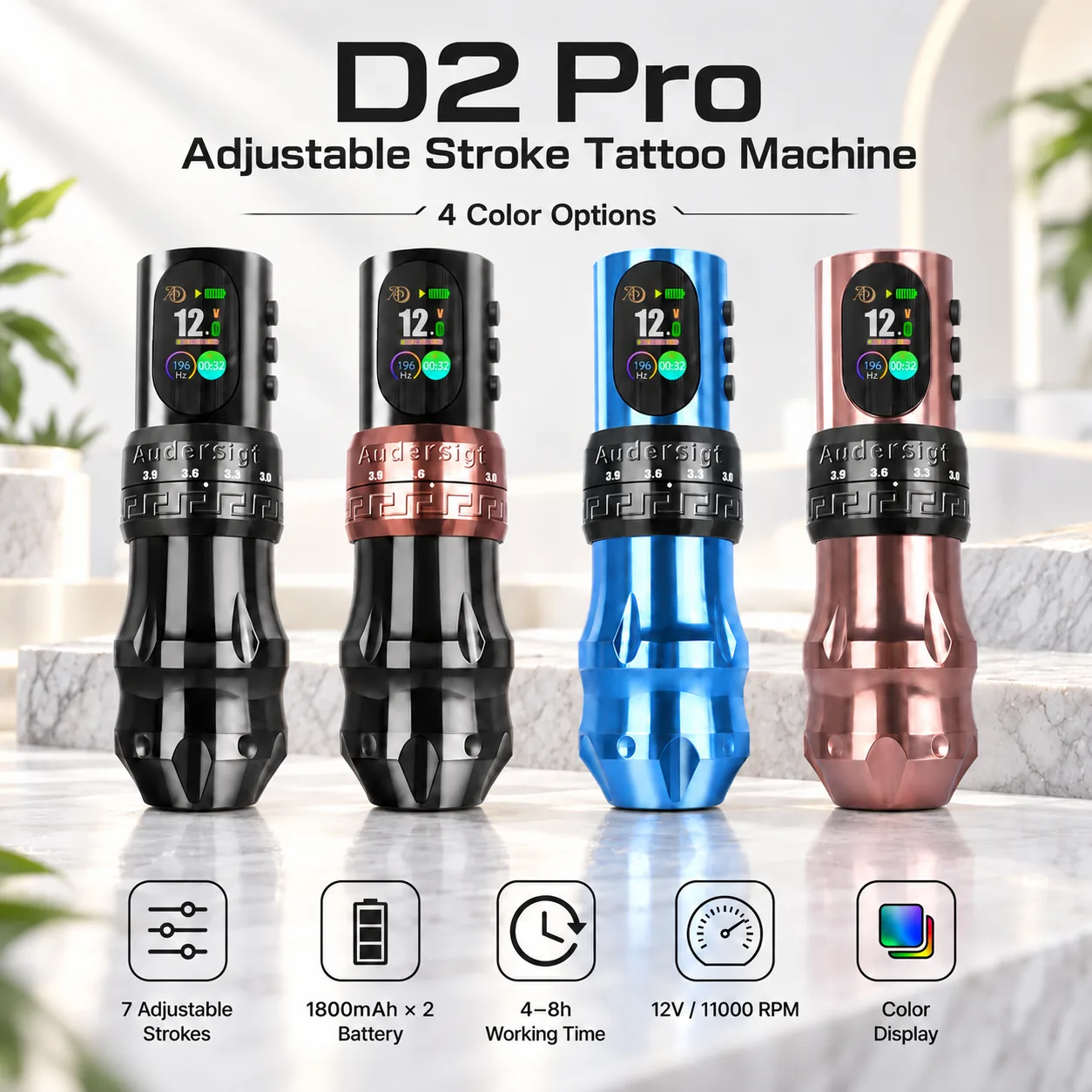
Tattoo Machines
D2 Pro Adjustable-Stroke Wireless Tattoo Pen
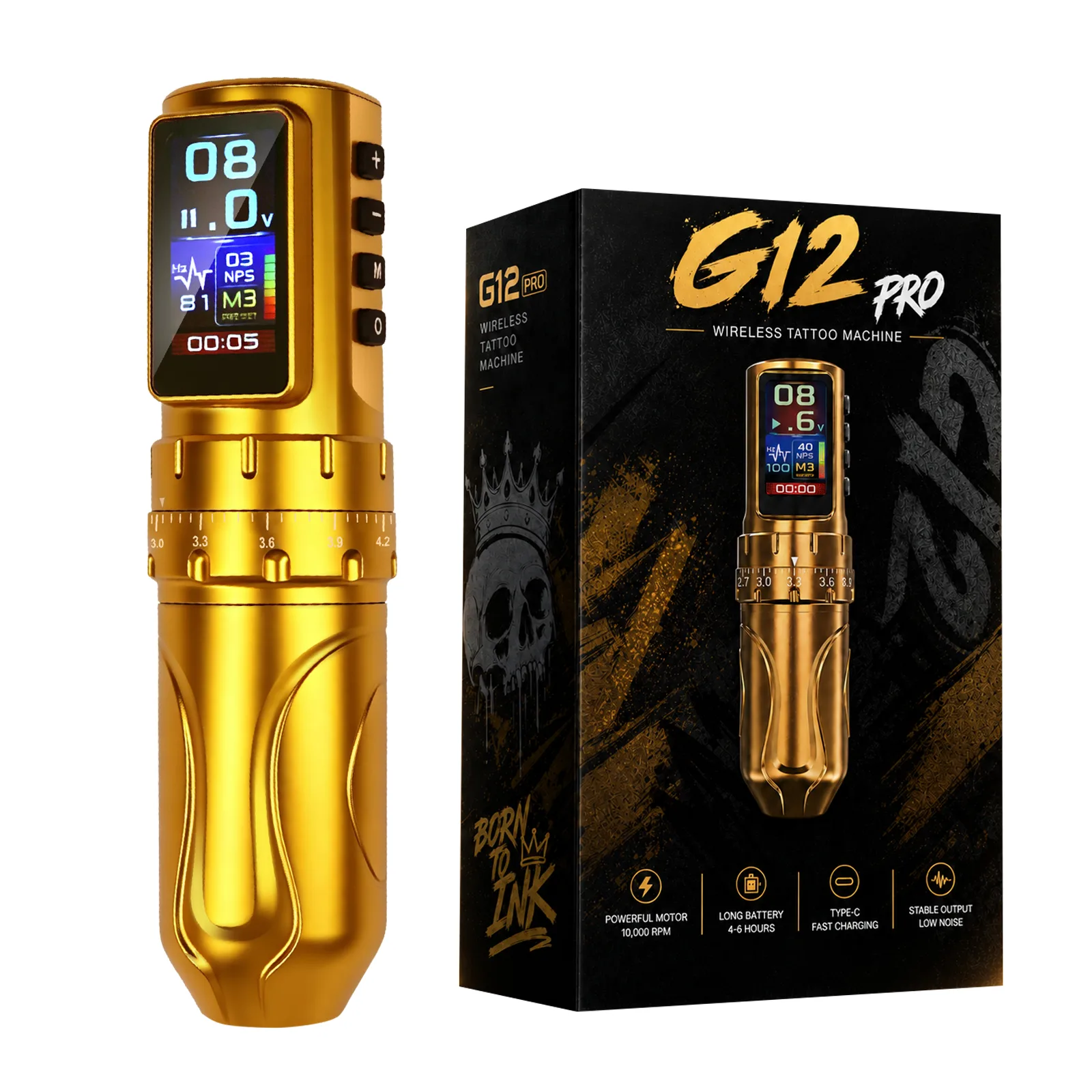
Tattoo Machines
G12PRO Adjustable-Stroke Wireless Tattoo Pen
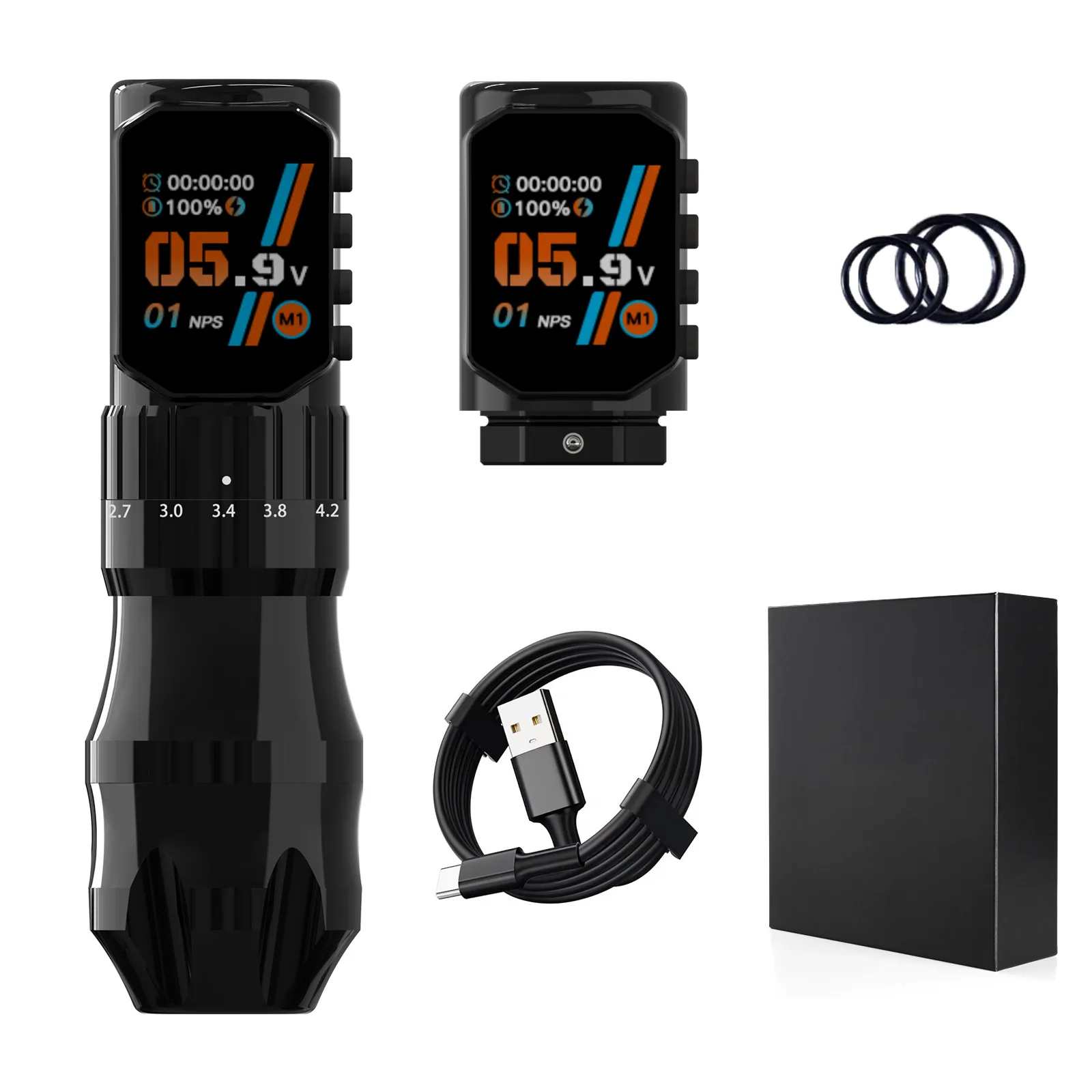
Tattoo Machines
KT108 Adjustable-Stroke Wireless Tattoo Pen
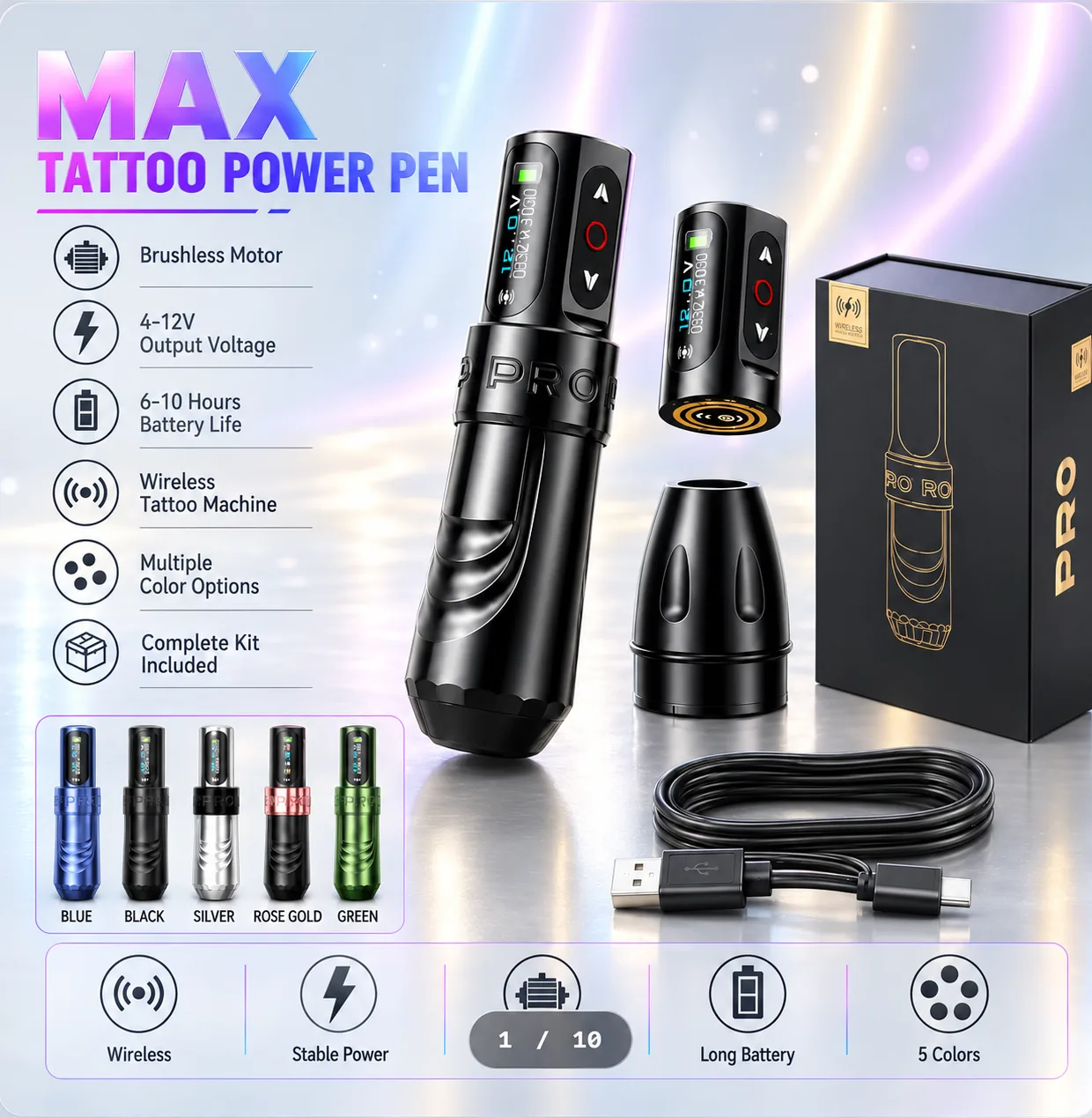
Tattoo Machines
MAX PRO Wireless Tattoo Pen
Tattoo Machines
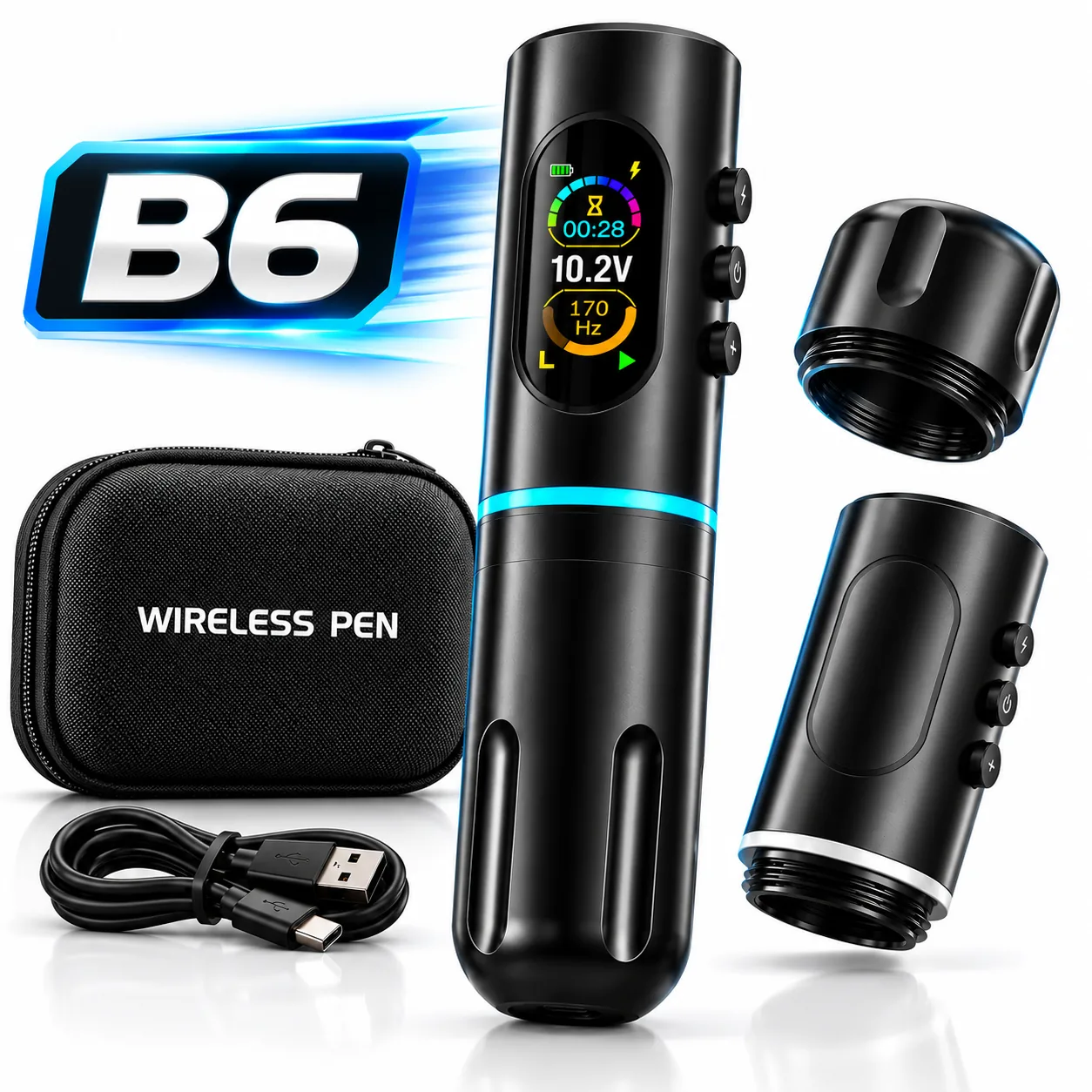
B6 Wireless Tattoo Pen
Related Articles
BlogTattoo Machine Stroke Guide
Understand stroke, needle protrusion and depth, then compare machine settings, cartridges and power systems without relying on a universal setup chart.
Product GuidesBest Wireless Tattoo Machines: A Specification-Led Studio Guide
Compare Audersigt D2 Pro, KT088, KT108 and MAX PRO by documented stroke, battery and grip configurations, with a practical buying checklist.
Buying GuidesWholesale Tattoo Supply Buying Guide
Evaluate wholesale tattoo supply orders through verified specifications, samples, landed cost, lead time, receiving checks, and reorder data.
Tattoo machine basics
Explore stroke, grip and battery choices.
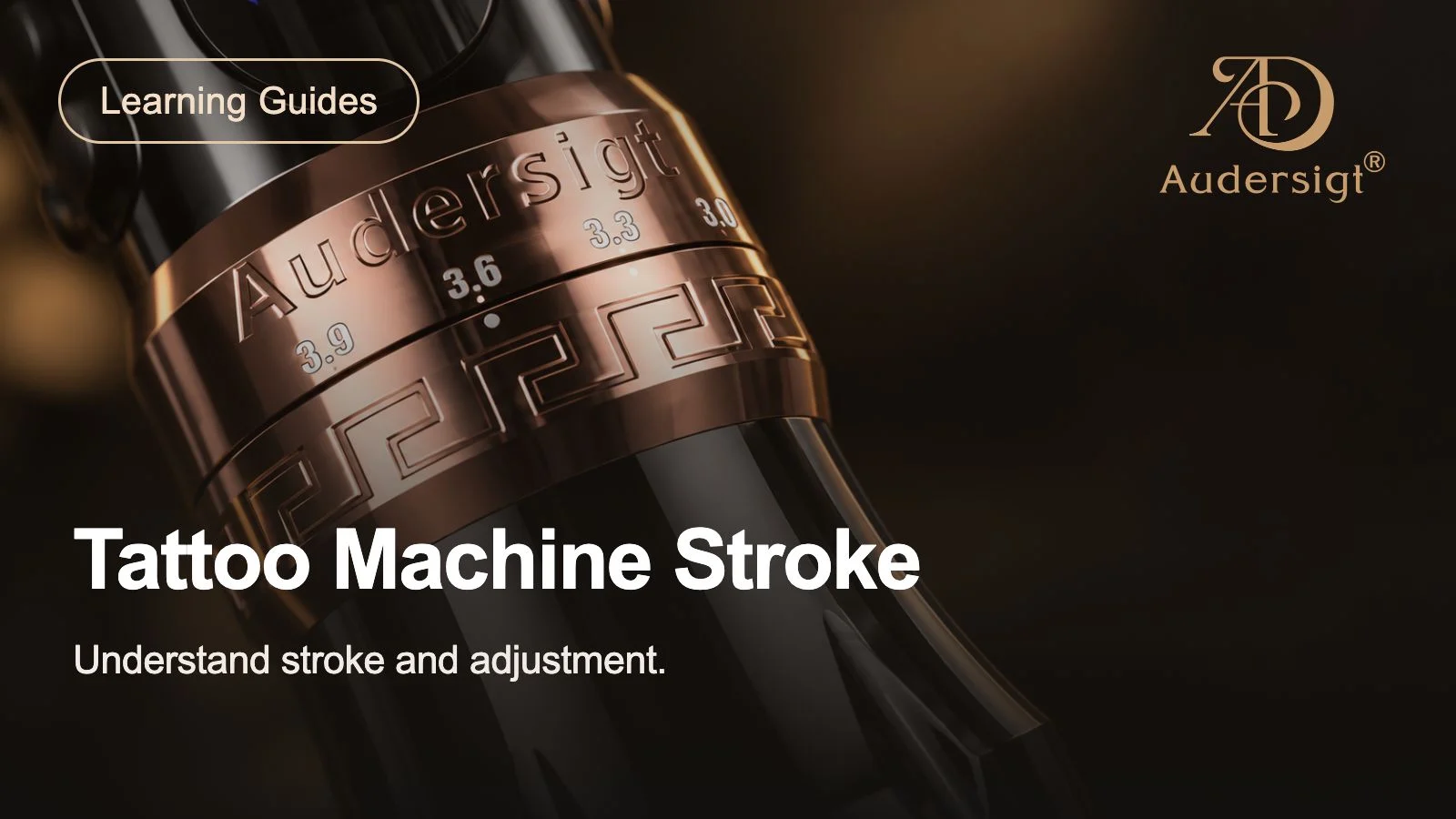
01What does stroke length mean?
Stroke describes the distance the mechanism travels in a cycle. It is different from needle protrusion. Compare the available stroke settings with your working technique rather than treating a longer stroke as an automatic upgrade.
02How should you compare grip sizes?
Grip diameter changes how the pen sits in your hand. Compare diameter, total weight and the selected grip option together. Check the option label before ordering: a single-grip configuration and a dual-grip package contain different combinations.
03What does battery capacity tell you?
Capacity in mAh is one specification, not a guaranteed session length. Voltage, cartridge load and working pattern affect runtime. Compare the charging specification and spare-battery arrangement, and select replacements by the exact machine model.
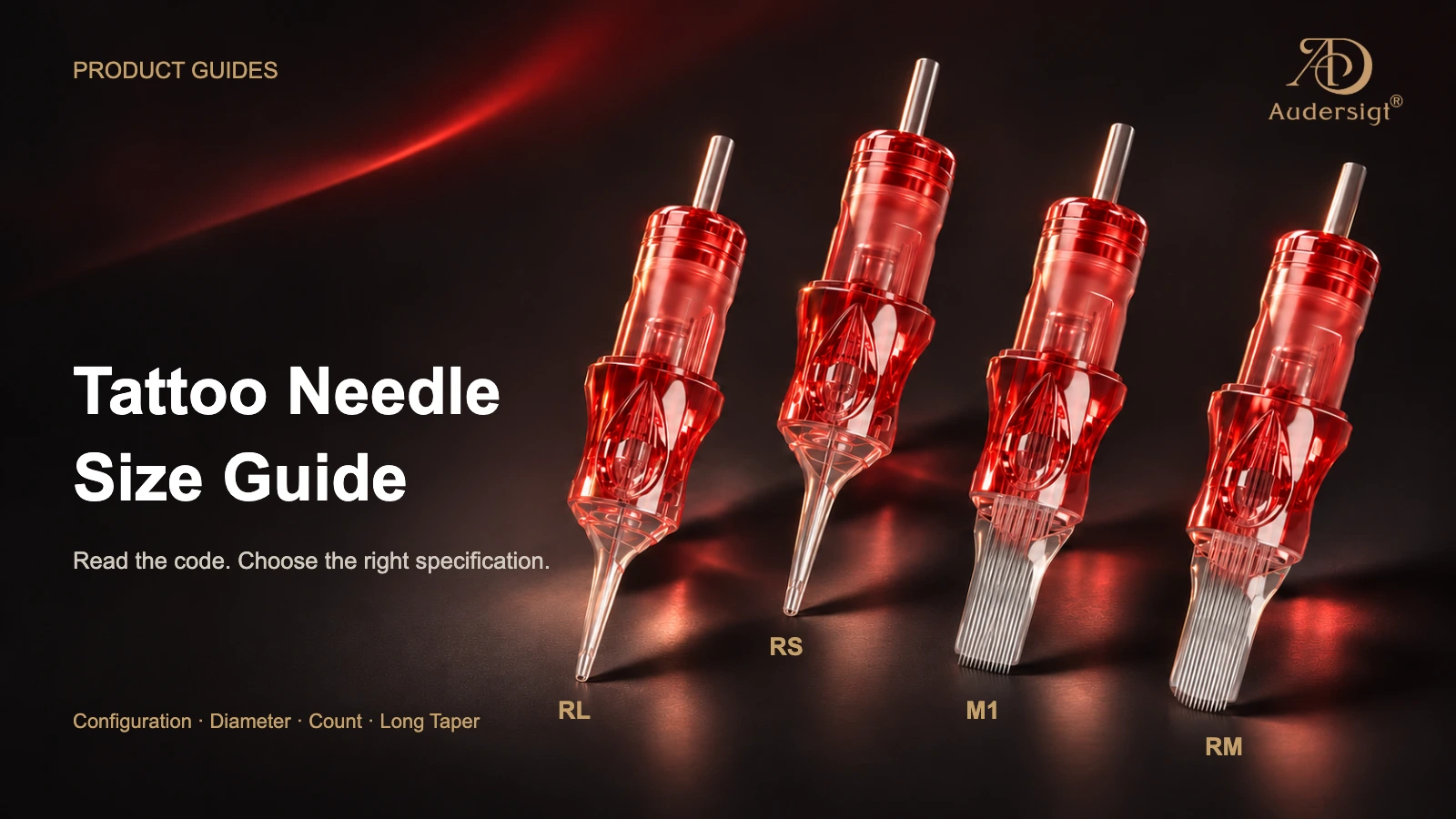
04How do cartridge choices fit the setup?
Needle grouping, diameter and taper describe different characteristics. Start with the grouping needed for the work, then check the cartridge interface and the machine's instructions. A similar appearance does not establish compatibility.
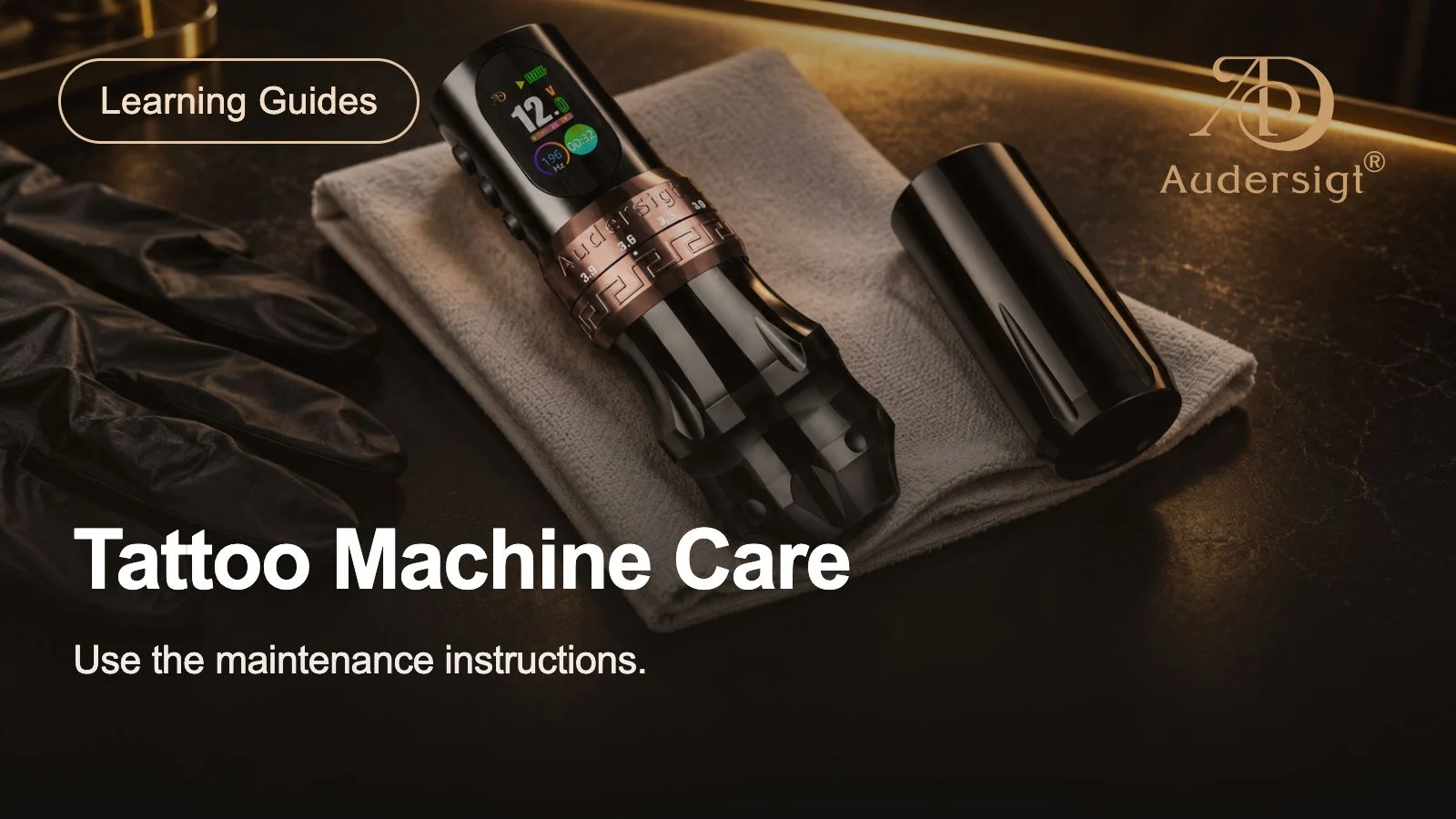
05What should you check for ongoing use?
Keep the model's cleaning, maintenance and charging instructions accessible. Confirm the supplied accessories before ordering spares, and check the warranty and support routes. Product care and replacement-part compatibility should be assessed alongside purchase price.